Next-Gen App Development Lab
Liquidus Labs
Next-gen apps. Zero friction. MCP-enabled performance directly in your browser, no downloads, no servers, just seamless experiences across desktop and mobile.
Next-Gen Applications
A growing collection of high-performance, browser-based applications: simulators, editors, and tools that run entirely on the client, smooth on both desktop and mobile.
Featured Application
Spotlight on our high-performance on-device 3D reconstruction tool for Mac, Windows, and Linux.
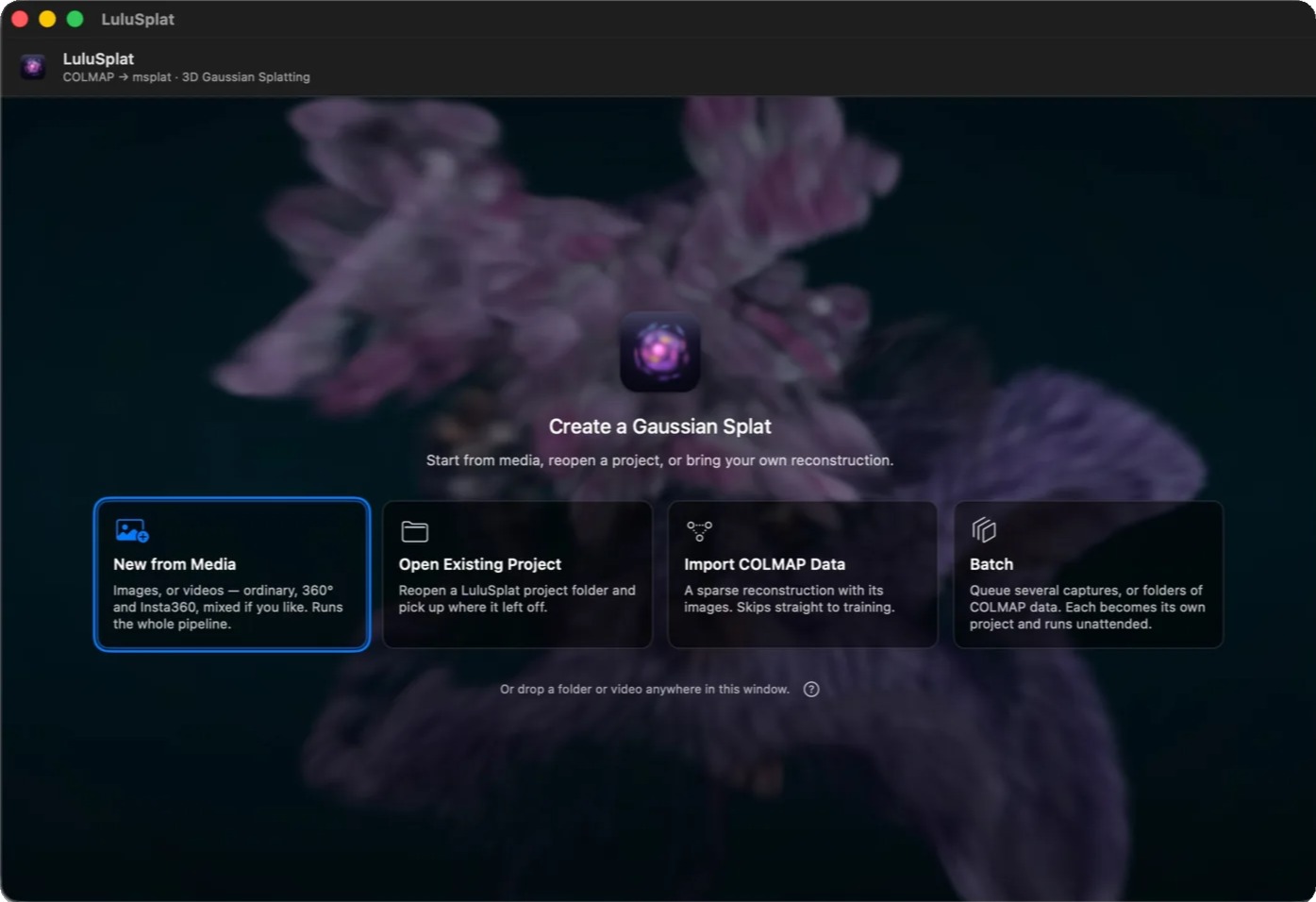

Turn photos, video, 360°, and Insta360 footage into interactive 3D Gaussian Splats on Mac, Windows, or Linux. Cameras solve themselves, training converges live in the viewport, and batches run unattended. 100% private, GPU-native on Metal and Vulkan, zero cloud queue, with .ply and .splat export.
Featured Music Tools
Chaos-driven generative music, on iPhone and iPad or straight in the browser.

Strange attractors compose an ever-evolving melody from chaos math and music theory.
Creator Tools
High-performance editors, emulators, and MIDI utilities to boost your creative workflow.
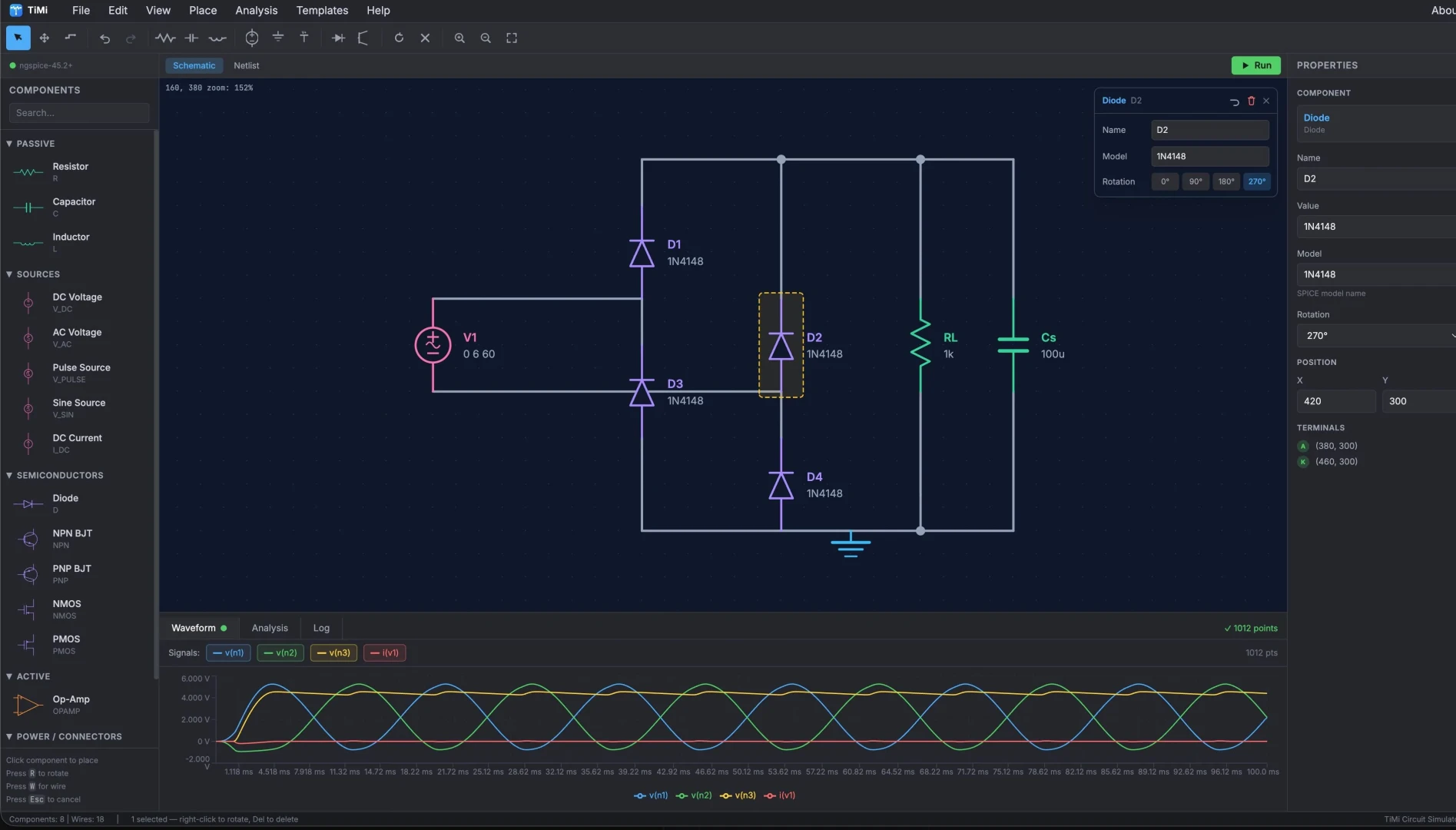

An interactive circuit simulator. Build circuits from analog components, then watch them run in real time, entirely in your desktop/mobile browser.
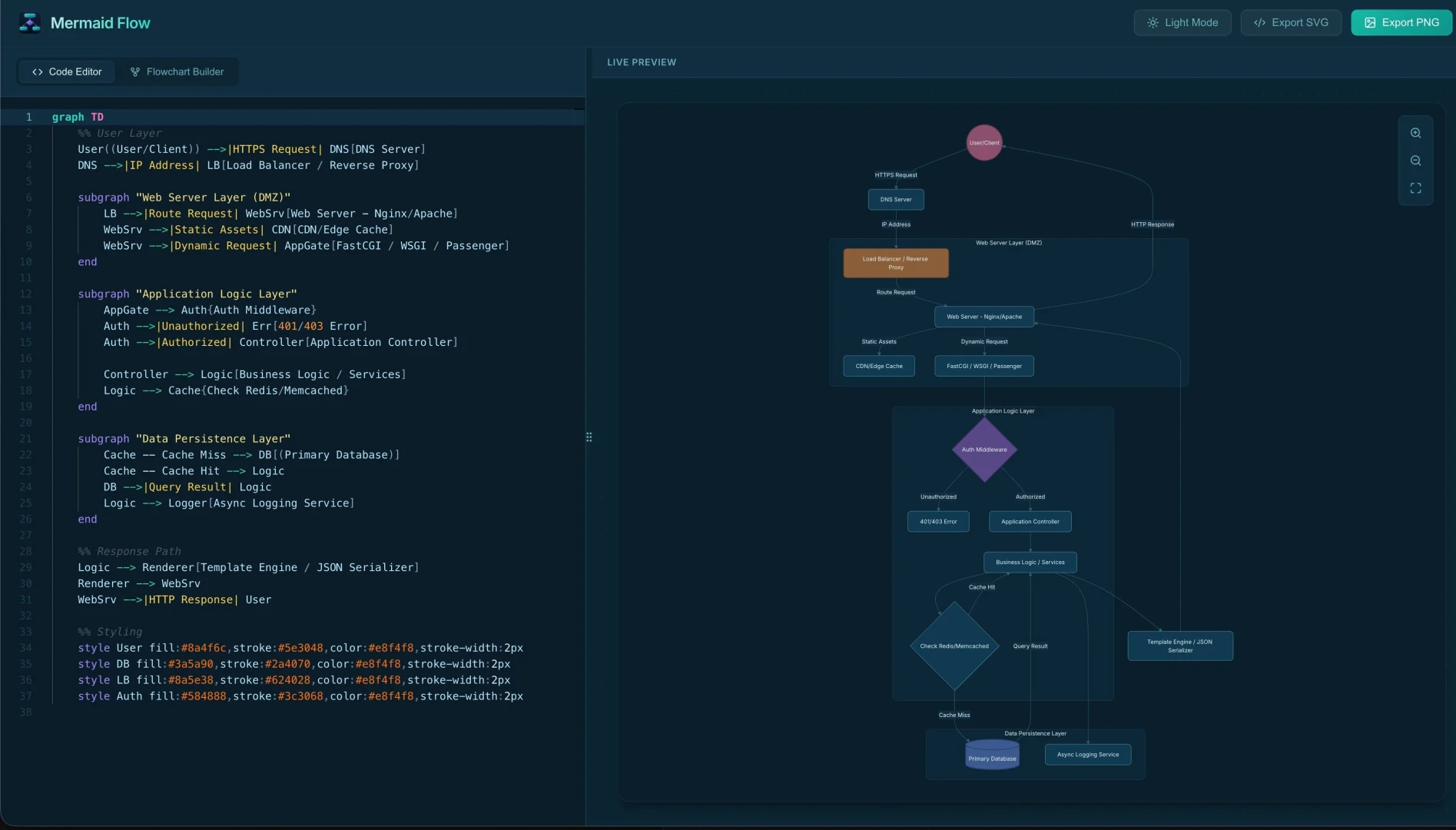
A real-time Mermaid diagram editor. Turn plain-text definitions into beautiful flowcharts, sequence diagrams, and graphs, with live preview, themes, and SVG export.
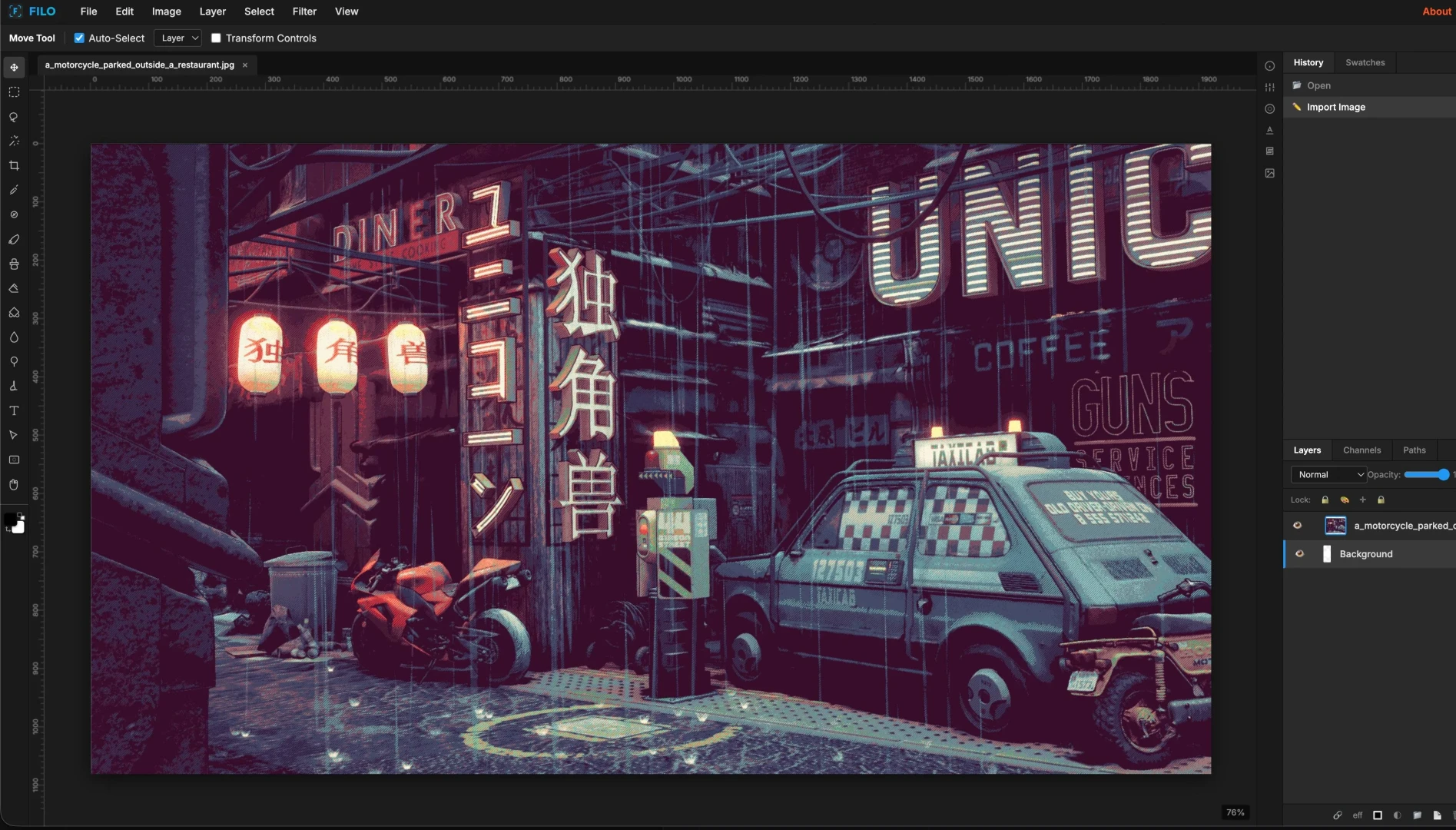

A powerful, layer-based photo editor in your browser. Includes blending modes, adjustments, masks, and filters. Professional image editing with MCP.
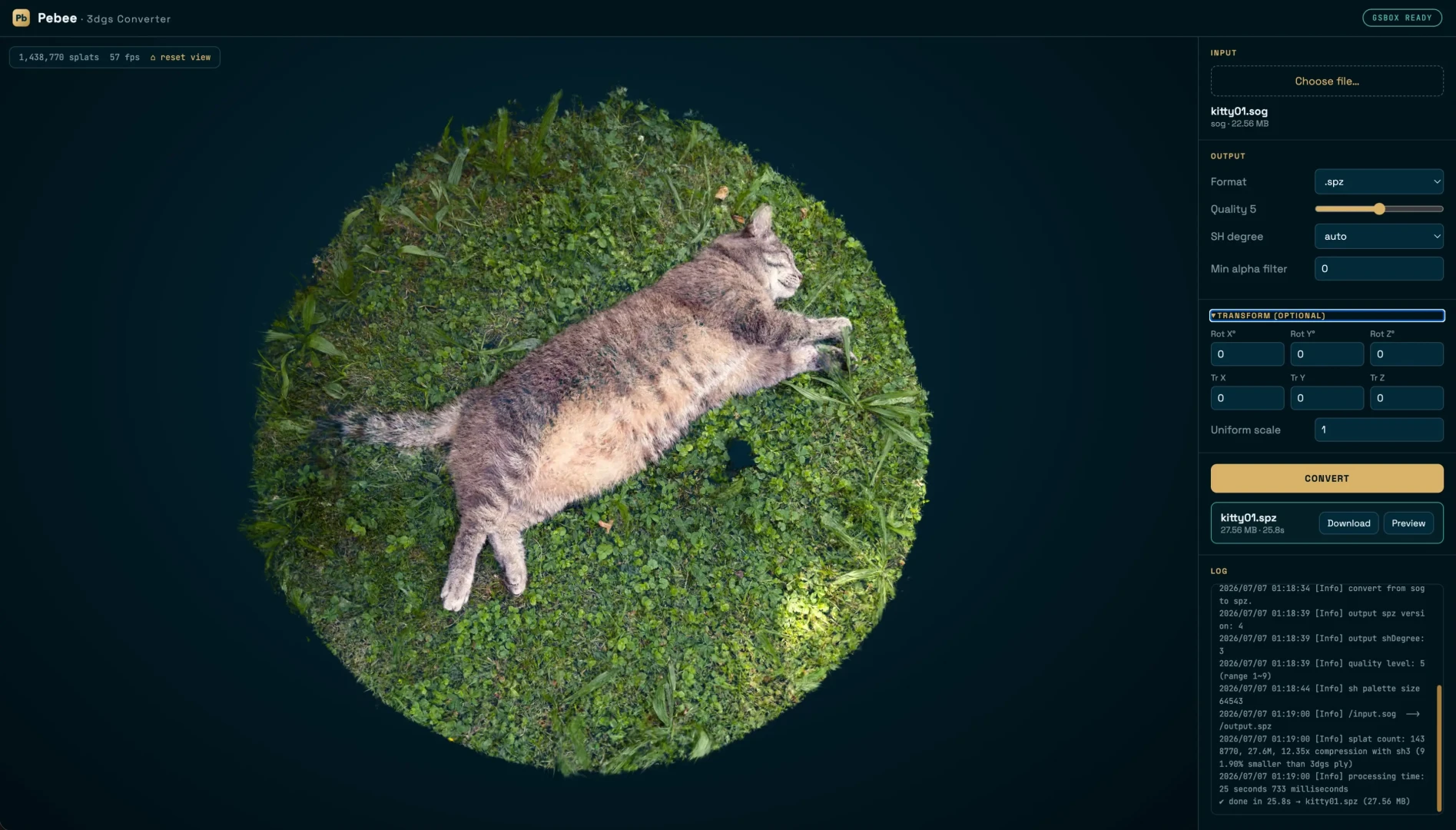

A high-performance 3D Gaussian Splatting converter and viewer. Convert and compress PLY, SPLAT, SPX, SPZ, SOG, and GLB files with real-time interactive preview and quality controls.
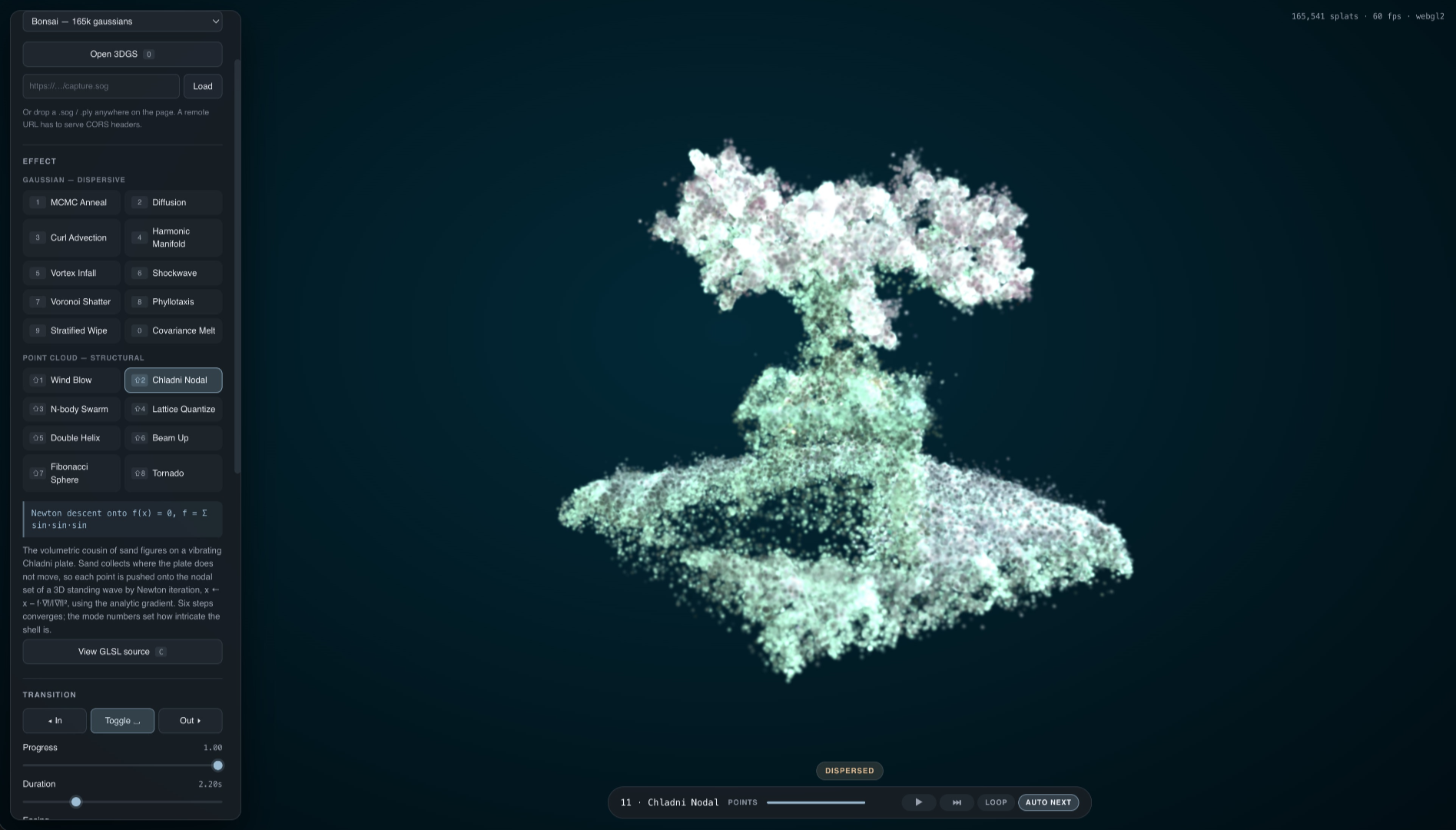

Eighteen GPU transition effects for a 3D Gaussian Splatting scene, built on the PlayCanvas engine. Dissolve, shatter, and reassemble splats in real time with live controls over every effect.
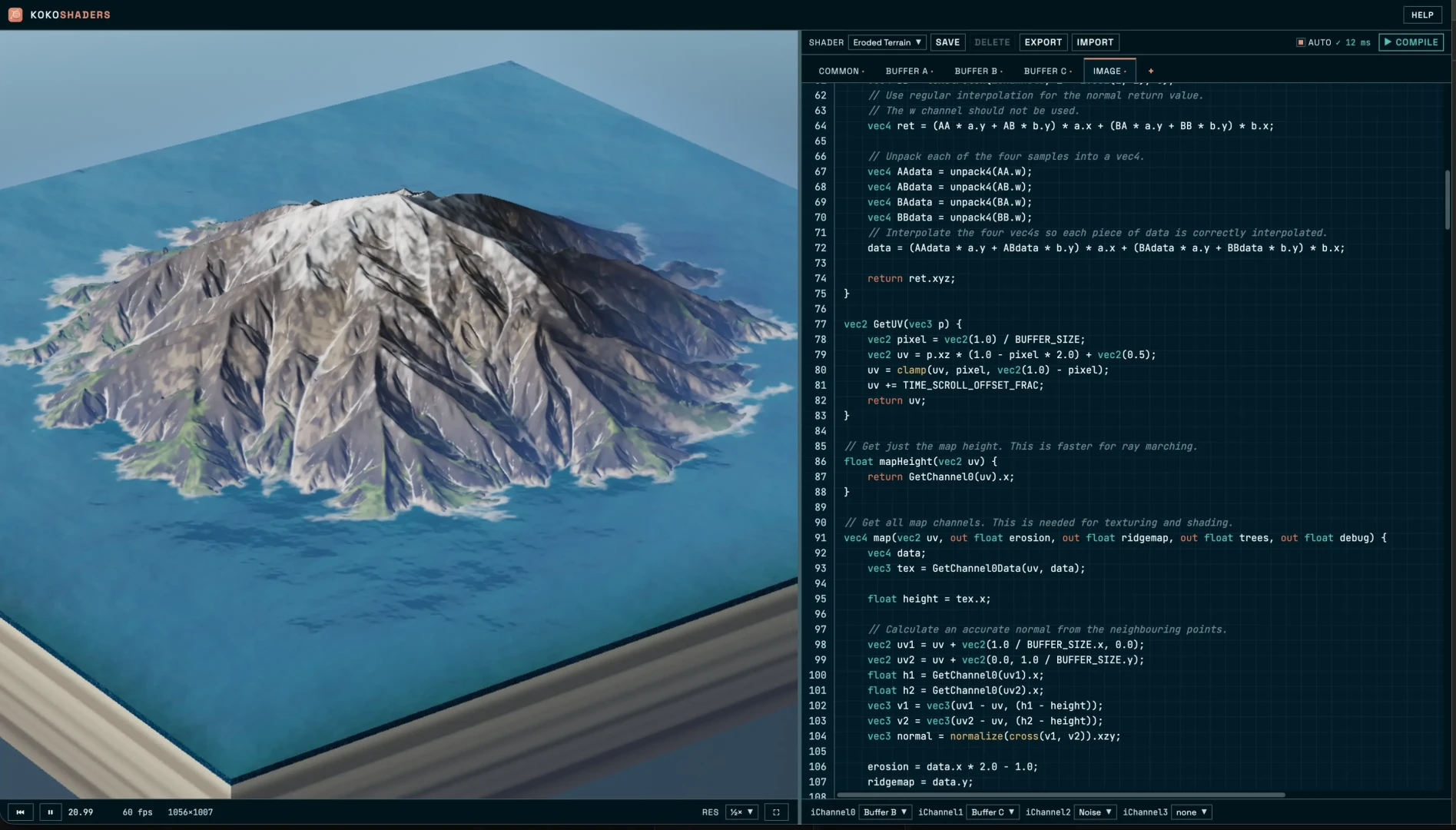

A live GLSL shader editor and playground. Write, compile, and preview fragment shaders in real time, with saved shaders, texture channels, and one-click export.
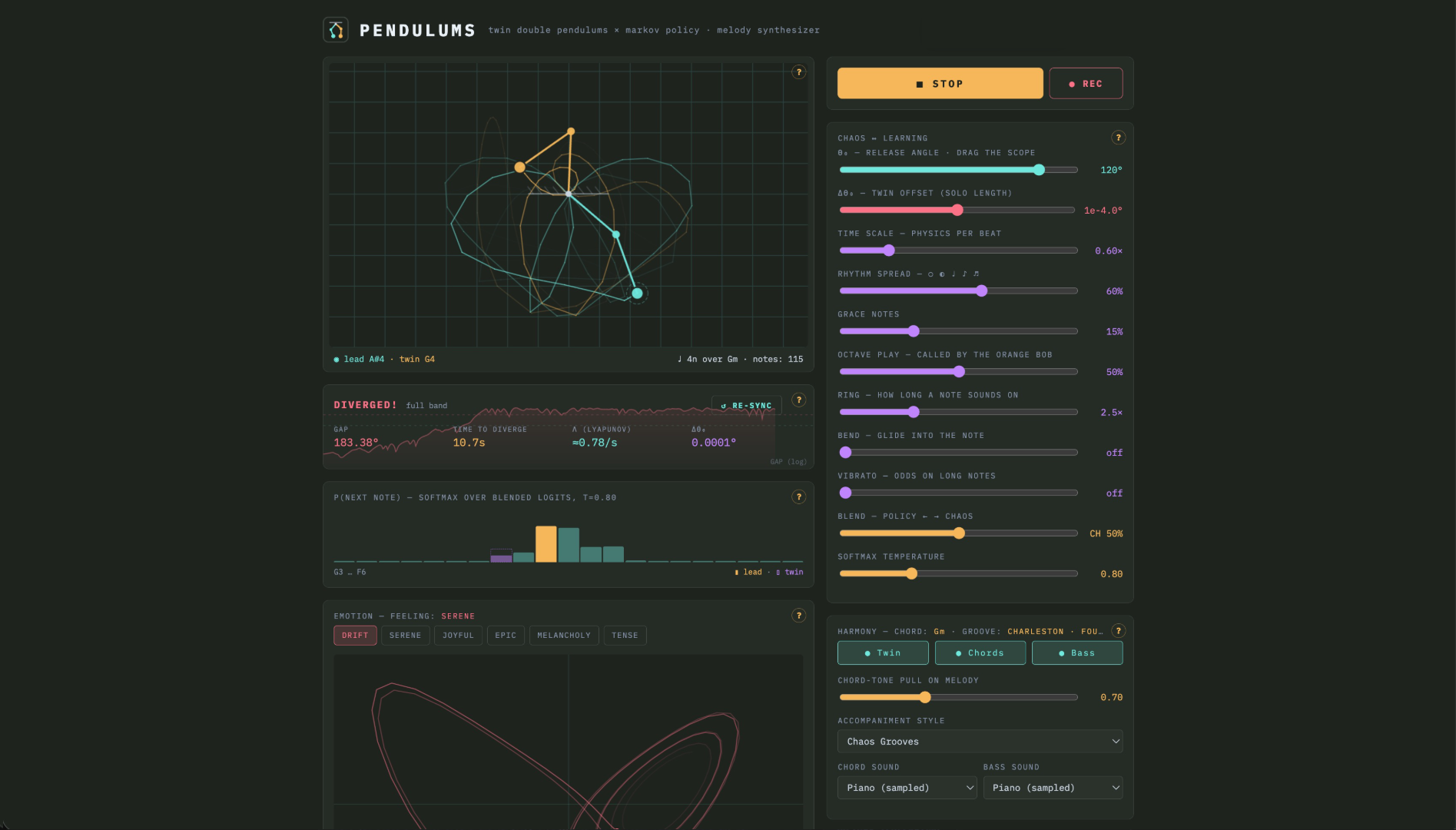

A twin-chaos music lab. Two pendulums released a hair apart drive the melody while an online Markov chain learns as it plays, and a single slider blends raw chaos against what it has learned. Shape the release angle, physics speed, and rhythm spread, pick a groove from jazz walking bass to taiko, then save the take as MIDI.
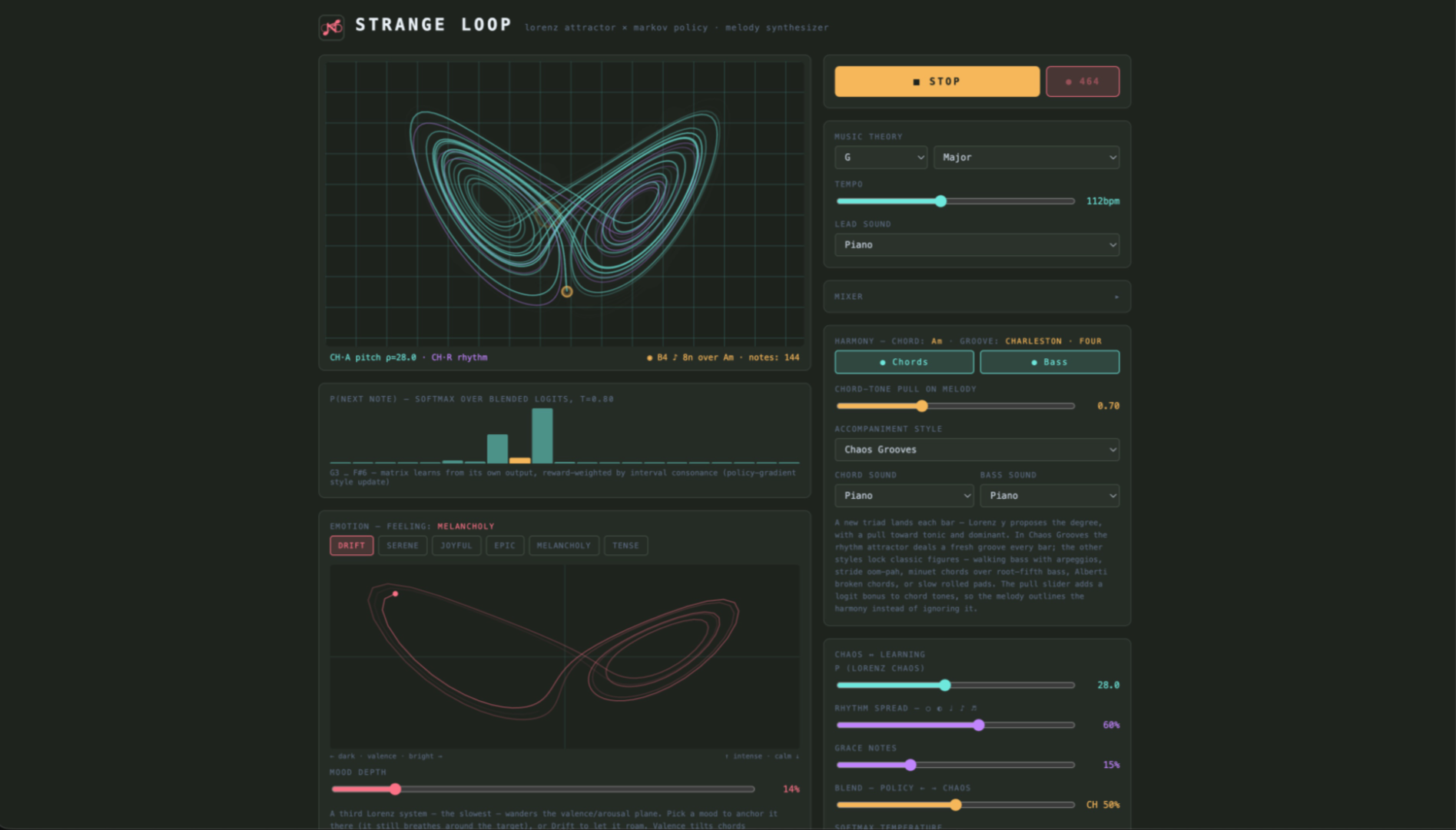
The app that started the Chaos Engine. Chaos math meets music theory. Strange attractors drive an ever-evolving generative melody engine. Pick a chaotic system, scale, and tempo, then watch it compose in real time. Available in AUv3 for iOS and iPadOS.
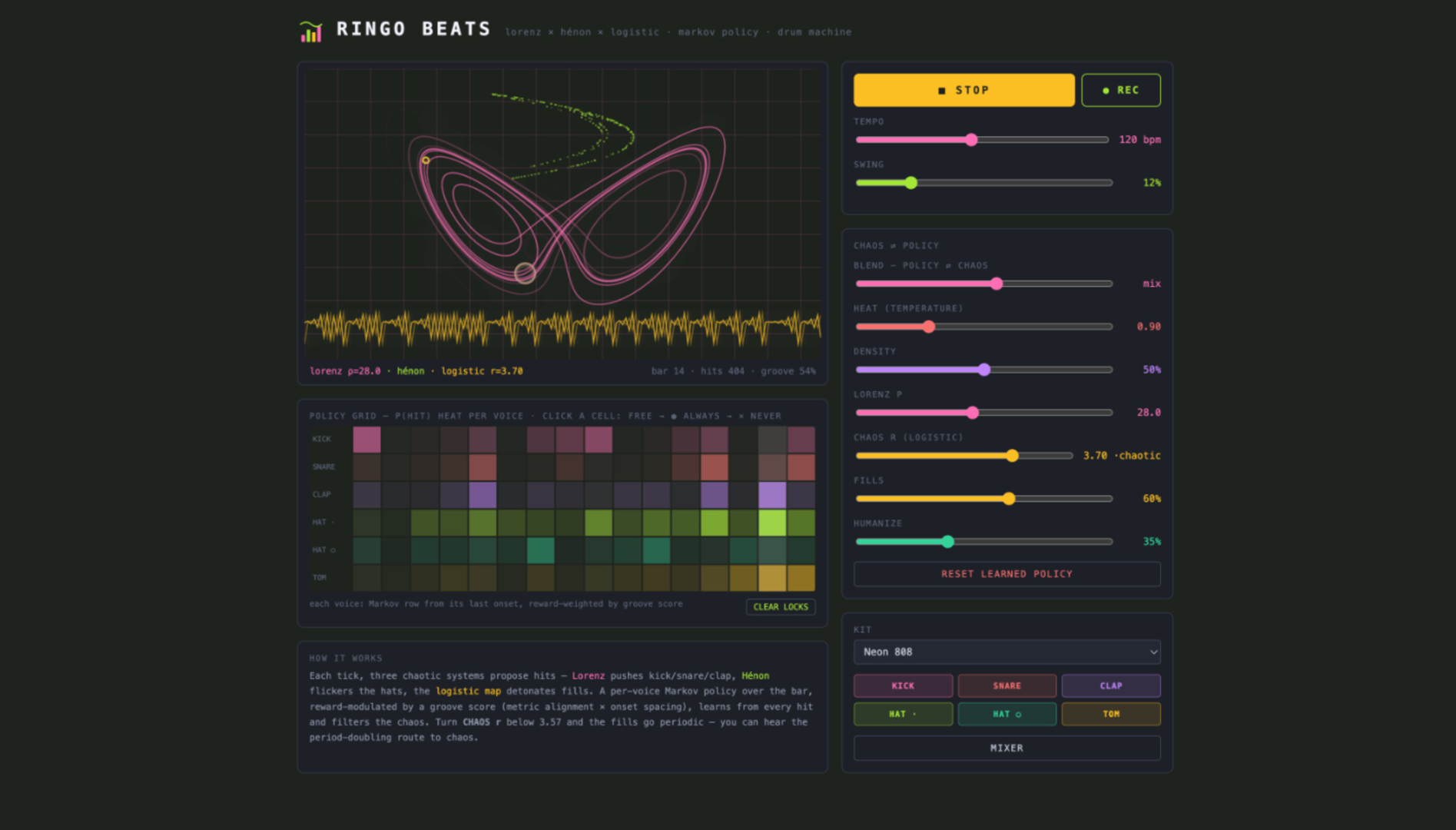

A chaos-driven drum machine. Program patterns, then let controlled randomness mutate and evolve your beats in real time rhythm-making that never plays it the same way twice. Available in AUv3 for iOS and iPadOS.
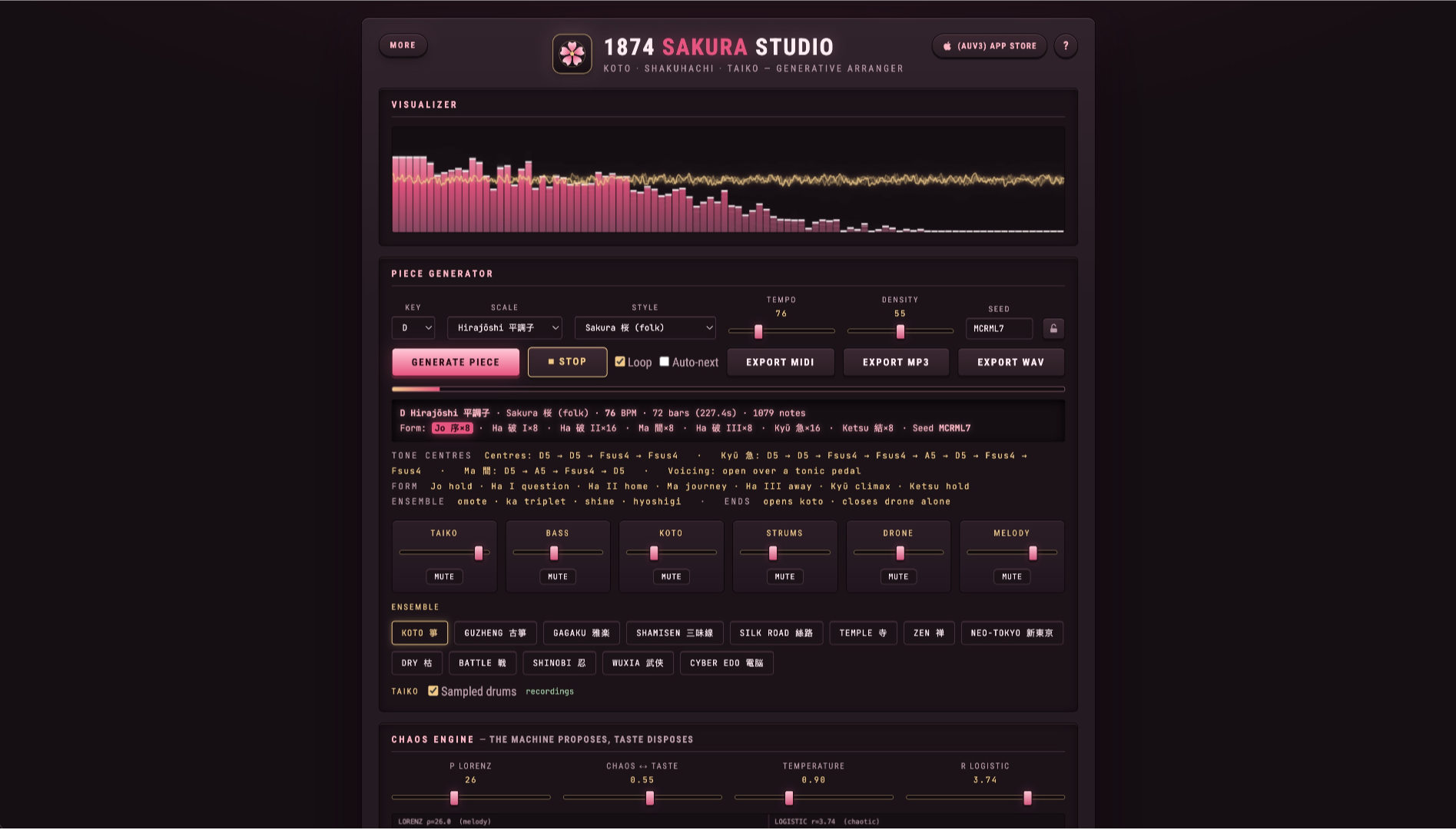

A chaos-driven arranger for Japanese and Chinese instruments: koto, guzheng, shakuhachi, erhu, and a taiko ensemble. Pieces are written bar by bar in jo-ha-kyū form, building from a slow opening to a rushing close. Export MP3, WAV, or MIDI.
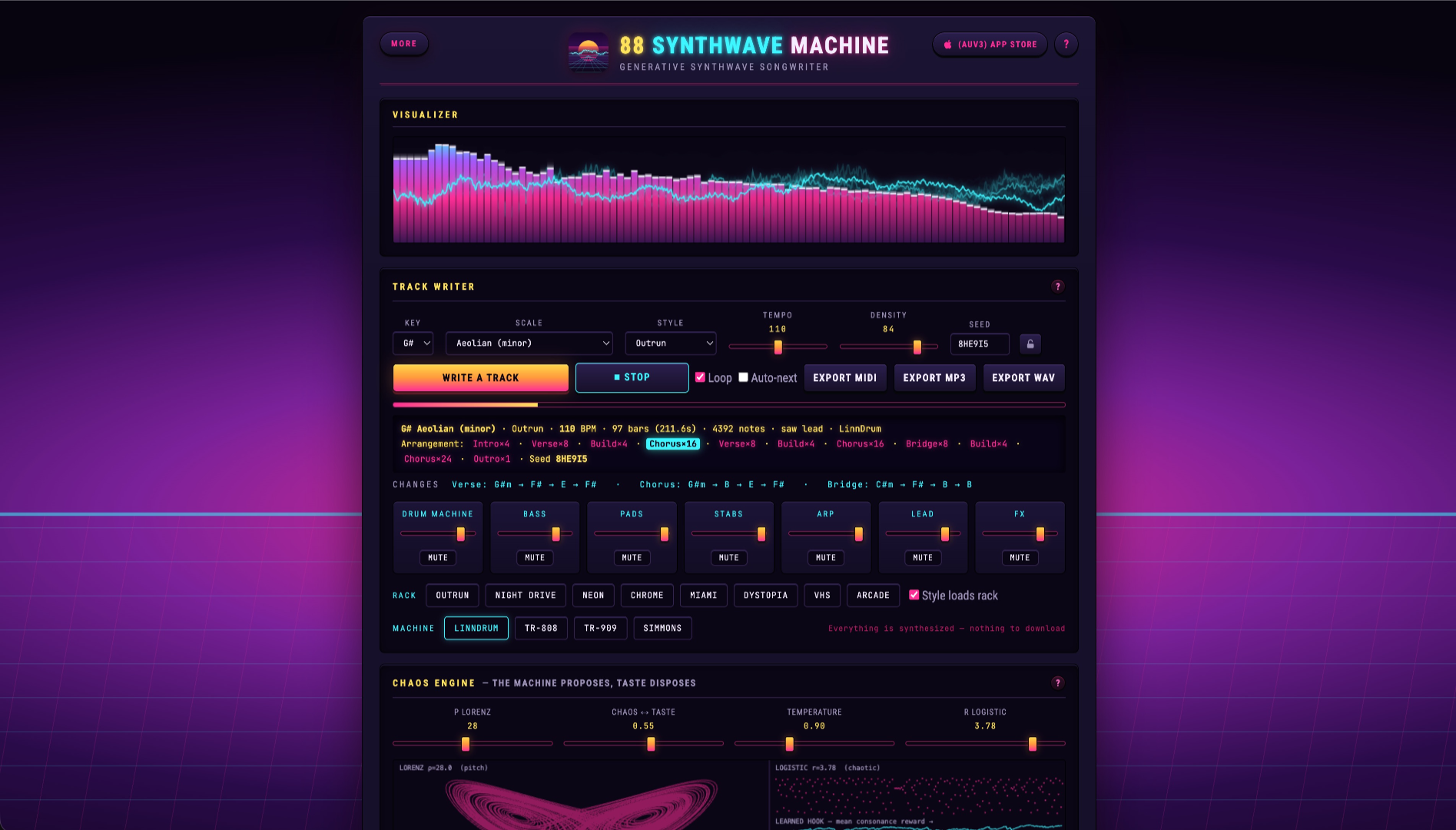
A synthwave workstation with an analog polysynth, a four-operator FM engine, and four drum machines behind a gated room and sidechain pump. A chaos engine writes full tracks across outrun, darksynth, dreamwave, disco, cyberpunk, and more. Fully synthesized, nothing to download. Export MP3, WAV, or MIDI.
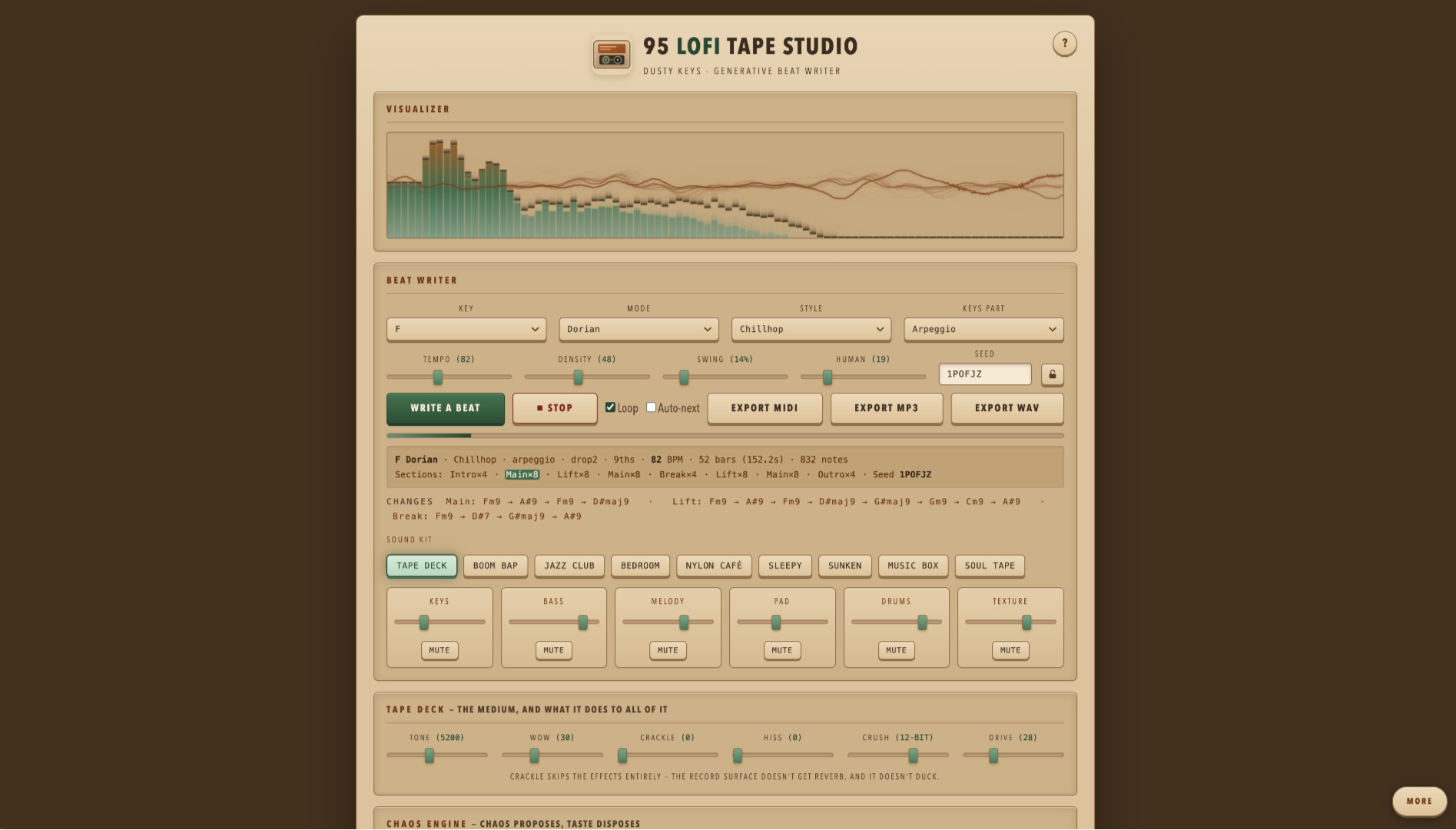

A generative lofi studio that writes full beats in the browser across nine styles from Boom Bap to Medieval organum. A three-layer Dusty Keys engine plays the chords while a tape deck adds wow, hiss, crackle, and bit-crush, with chorus, reverb, delay, and sidechain before the tape. Shape key, mode, tempo, density, and swing, then export MP3, WAV, MIDI, or stems no samples, no recordings.
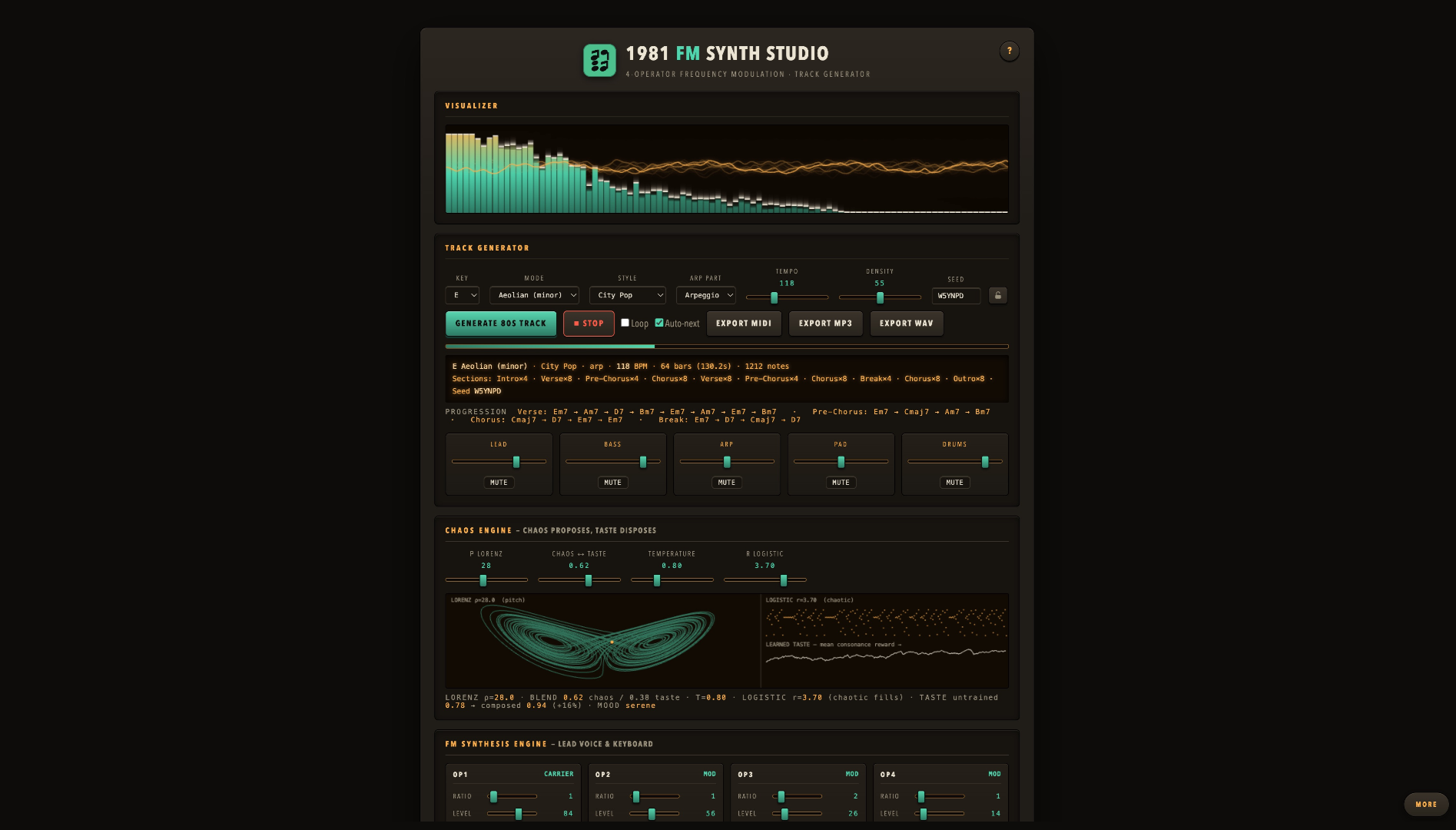

A four-operator FM synthesizer that builds complete 80s-style tracks in the browser. A chaos engine writes the melody and accompaniment, you shape the key, tempo, and style, then export to MP3, WAV, or MIDI. No samples, no recordings everything you hear is synthesized live.
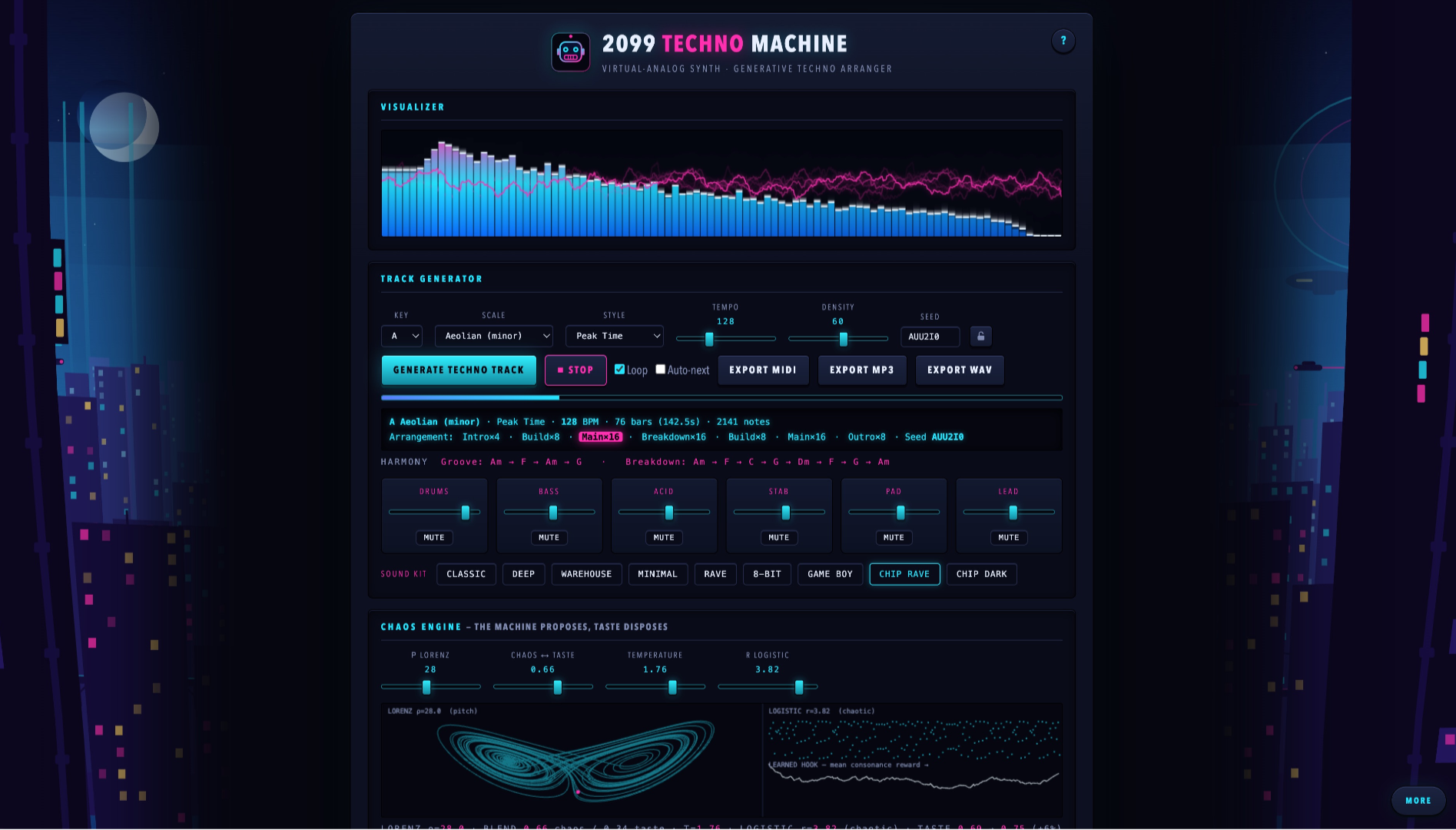

A virtual-analog techno machine that writes full tracks in the browser across eight styles Detroit, Acid, Dub Techno, Minimal, and more. A chaos engine arranges the song while you shape key, scale, tempo, and density, with a live keyboard and MP3, WAV, and MIDI export. Oscillators, a resonant filter, a 909-style drum machine, and a dub delay no samples, no recordings.
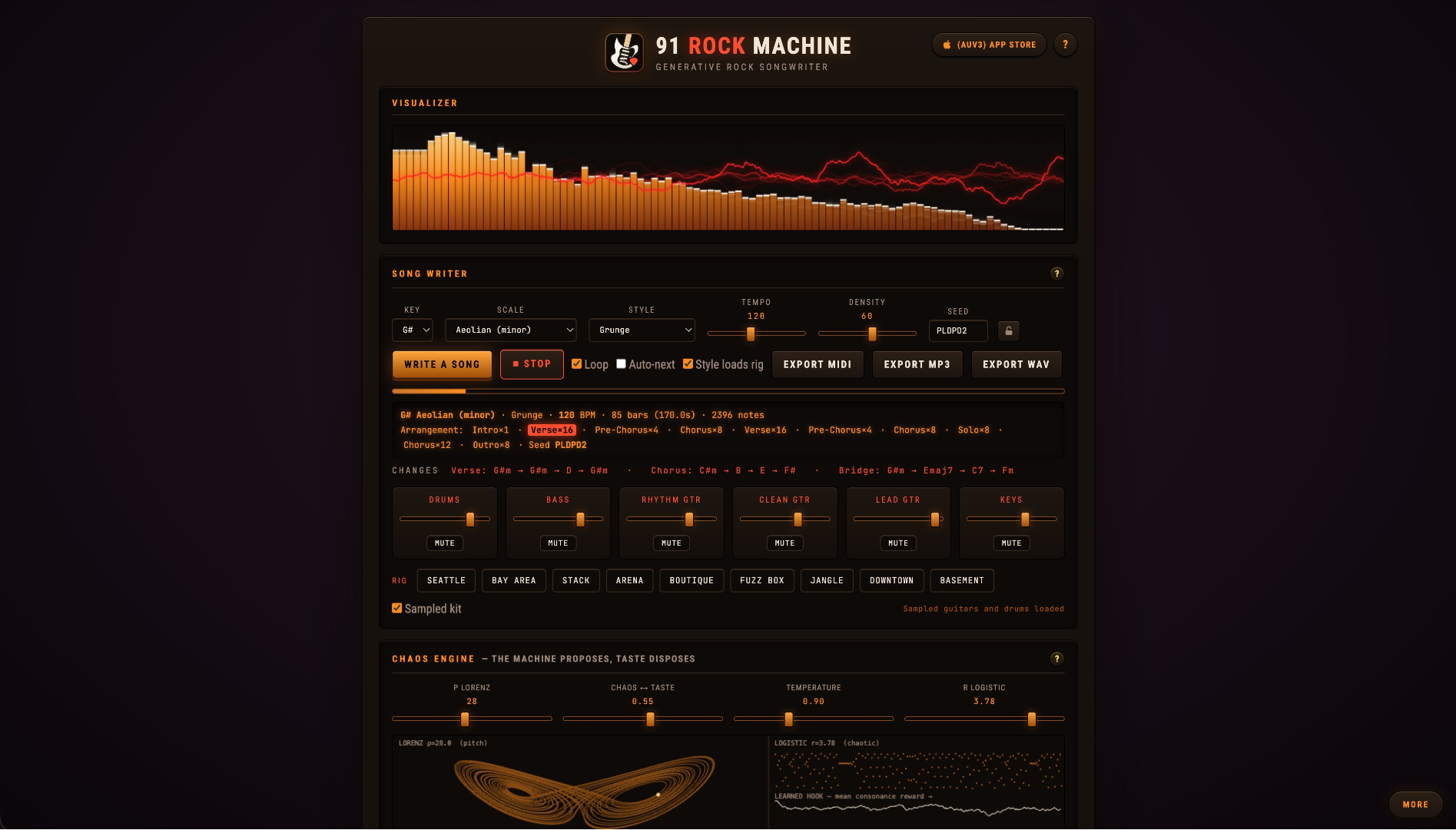

A rock workstation with sampled electric guitars, FM bass, valve amps and cabinets, and a chaos-driven generative songwriter — grunge, metal, progressive, ballads, and British rock. Exports MP3, WAV, and MIDI.
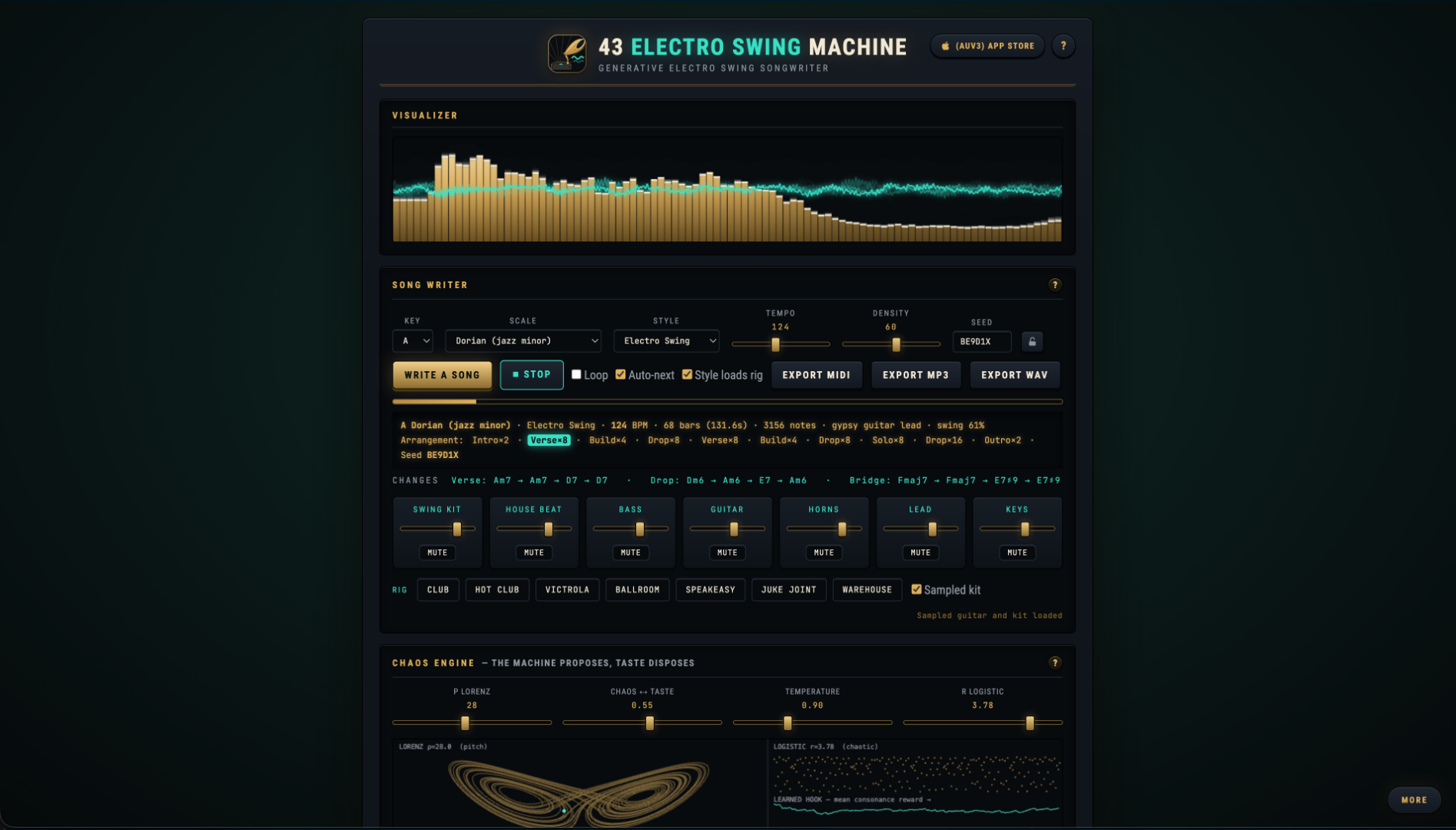

A chaos-driven songwriter for electro swing across five styles: hot club, big band, jump blues, noir, and swing hop. Sampled gypsy-jazz guitar and swing kit meet FM horns, clarinet, and upright bass, warmed by gramophone, vinyl, and sidechain pump. Export MP3, WAV, or MIDI.
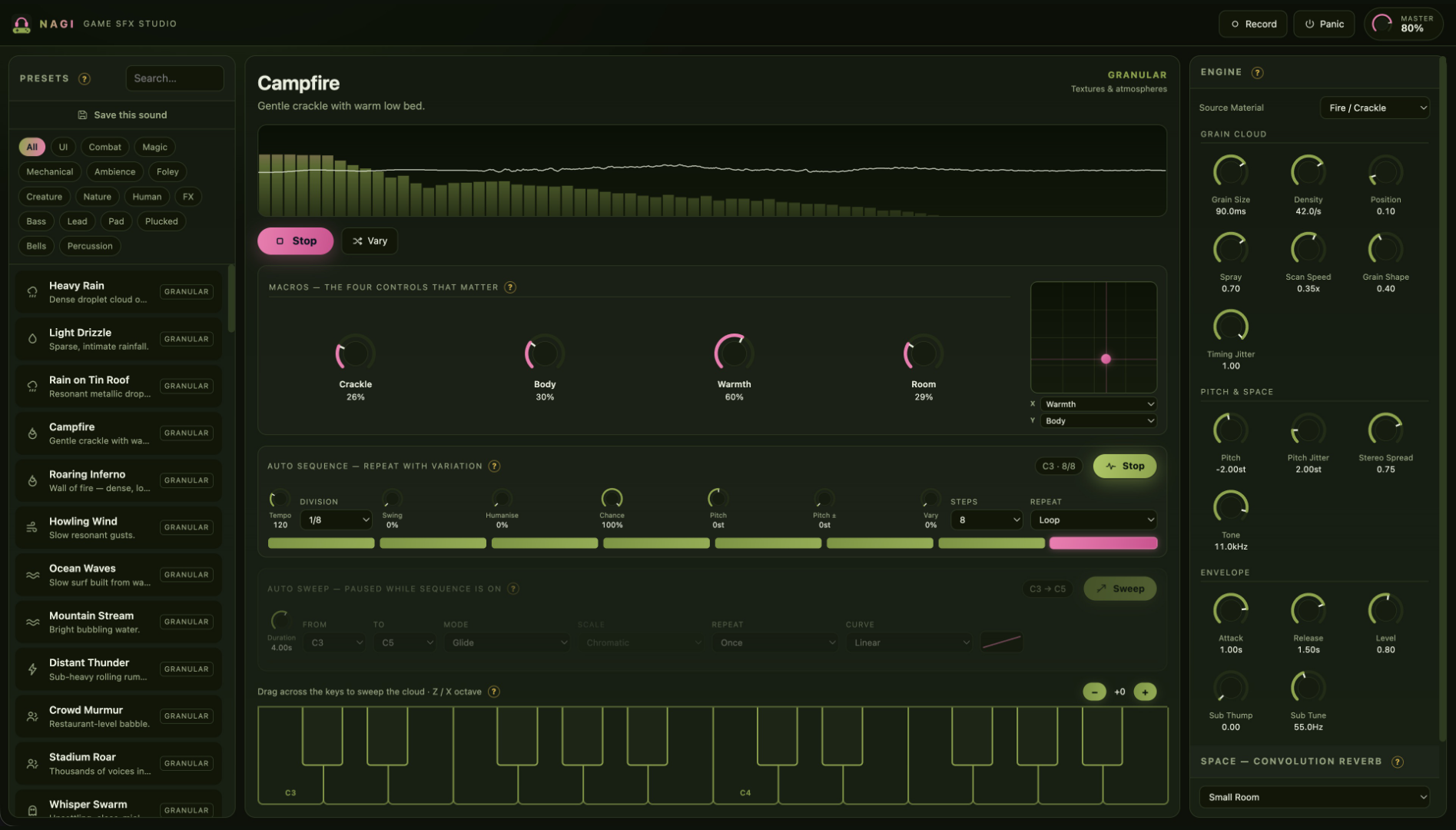

A browser game-audio and sound design workstation built on three procedural engines: Granular, Wavetable, and Physical Modeling. Synthesizes ambient textures, Foley, impacts, and retro game audio in real time with XY macros and WAV export.
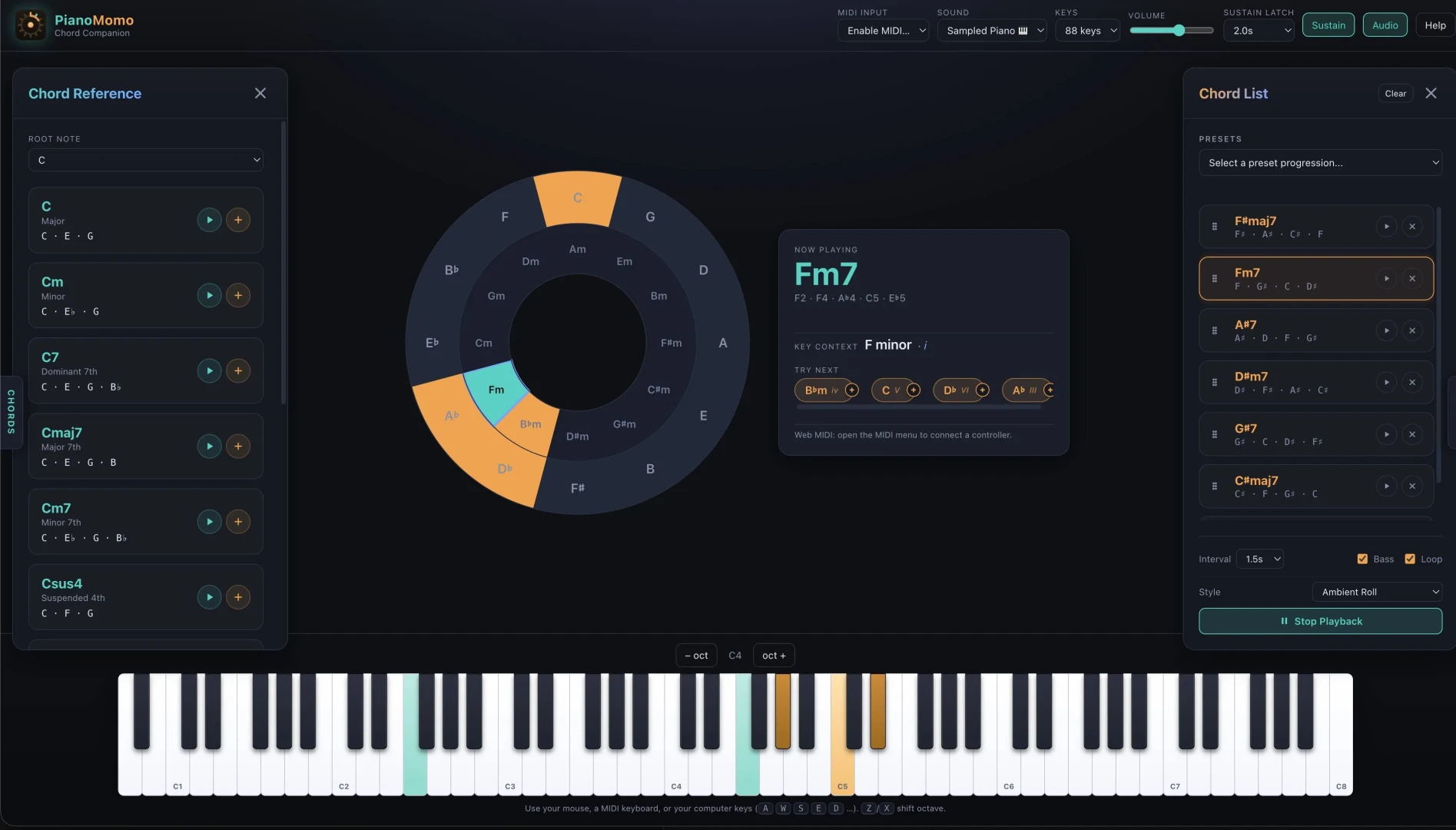

An interactive piano chord companion with MIDI support. Recognizes chords and scales as you play, and includes a built-in multi-voice synthesizer for practice and exploration.
Interactive visualizers and sandboxes designed to explore complex scientific and mathematical concepts.
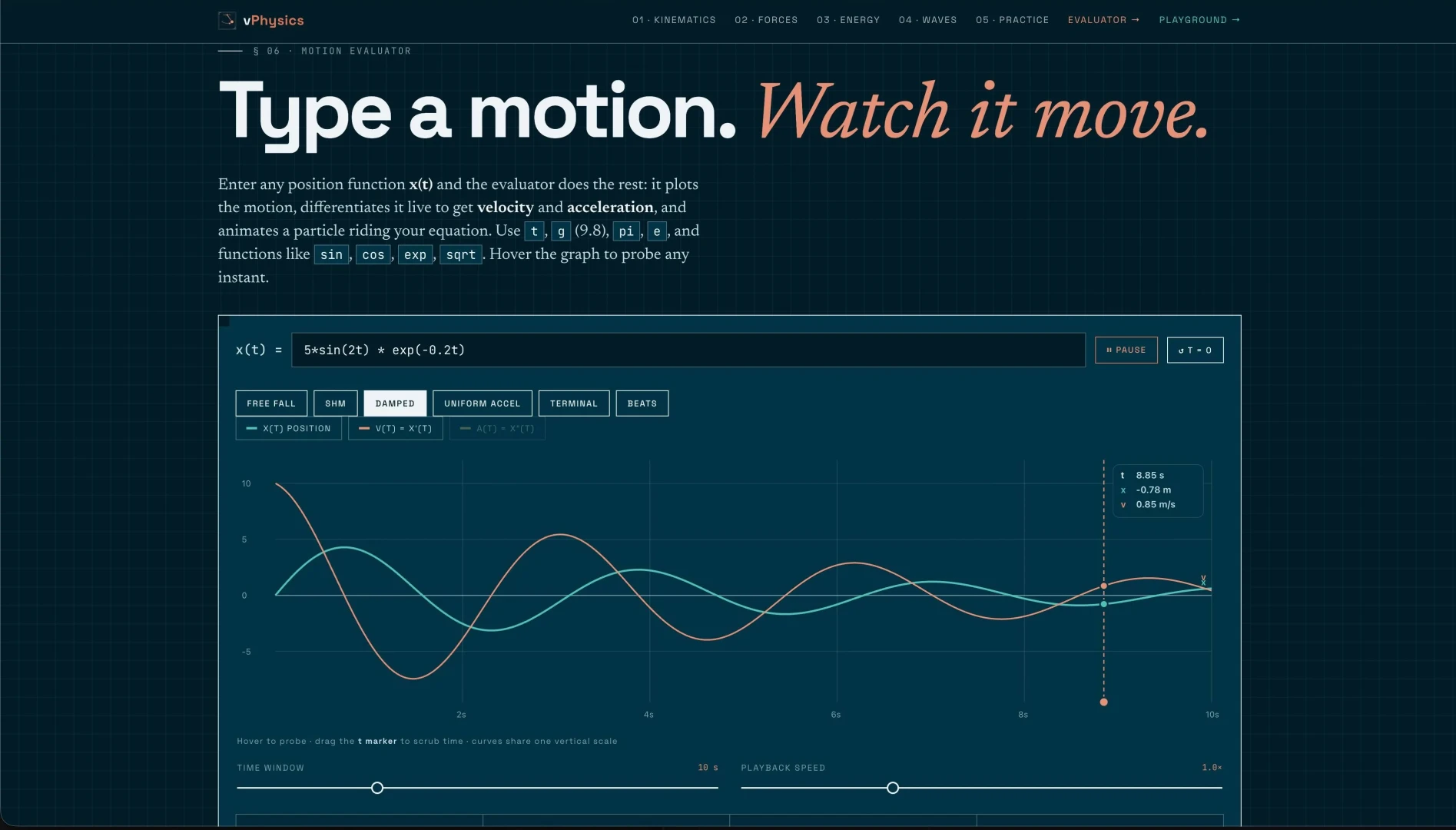

An interactive physics sandbox. Simulate rigid body mechanics, collisions, gravity, and fluid dynamics in real time directly in your web browser.
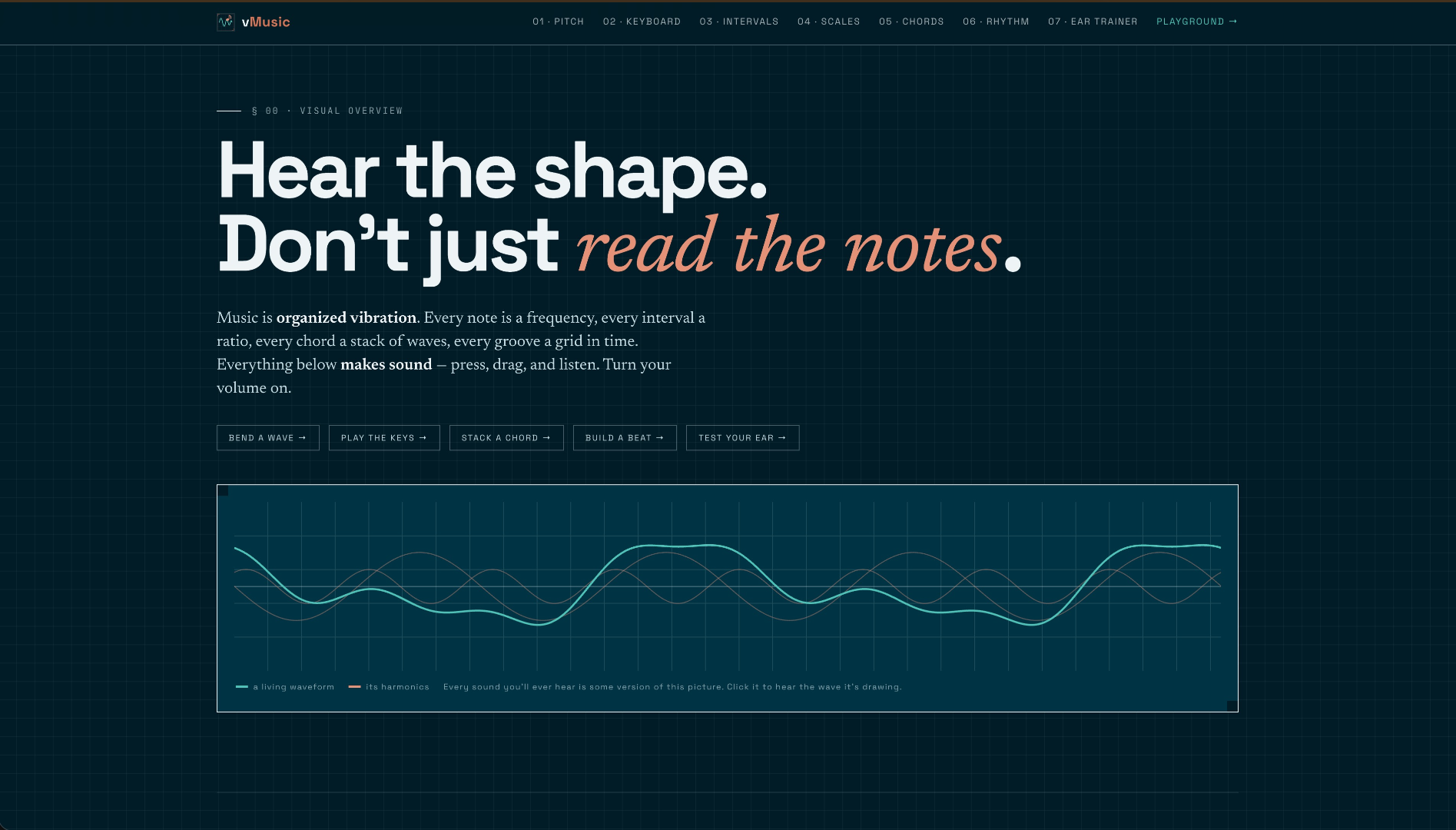

A visual introduction to music fundamentals across seven modules pitch and frequency, intervals, scales, chords, rhythm, and ear training. Every panel makes sound, so you hear the shape of the theory instead of just reading it.
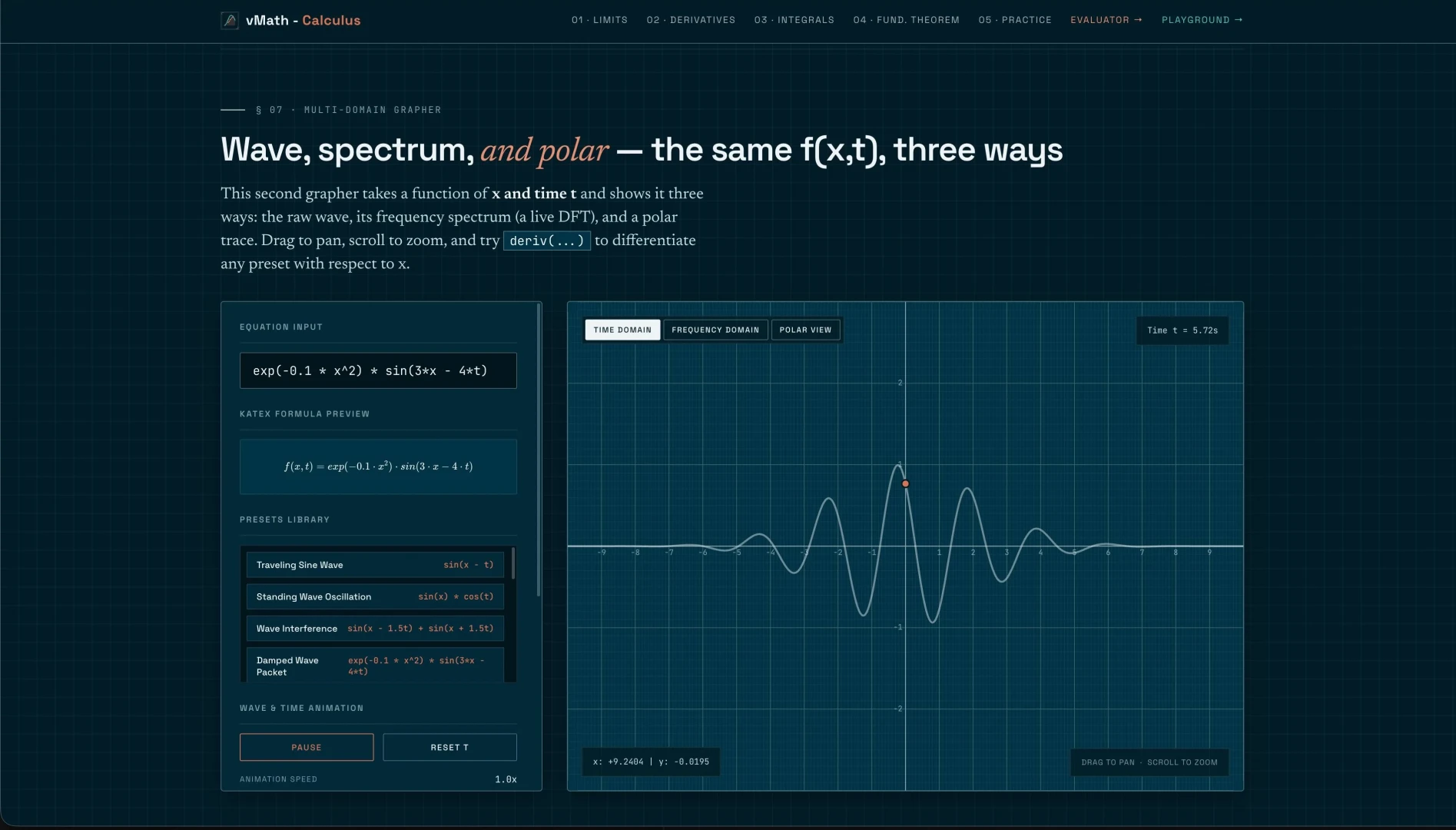

An interactive calculus playground. Visualize and animate limits, derivatives, and integrals with responsive graphs that make abstract concepts tangible.
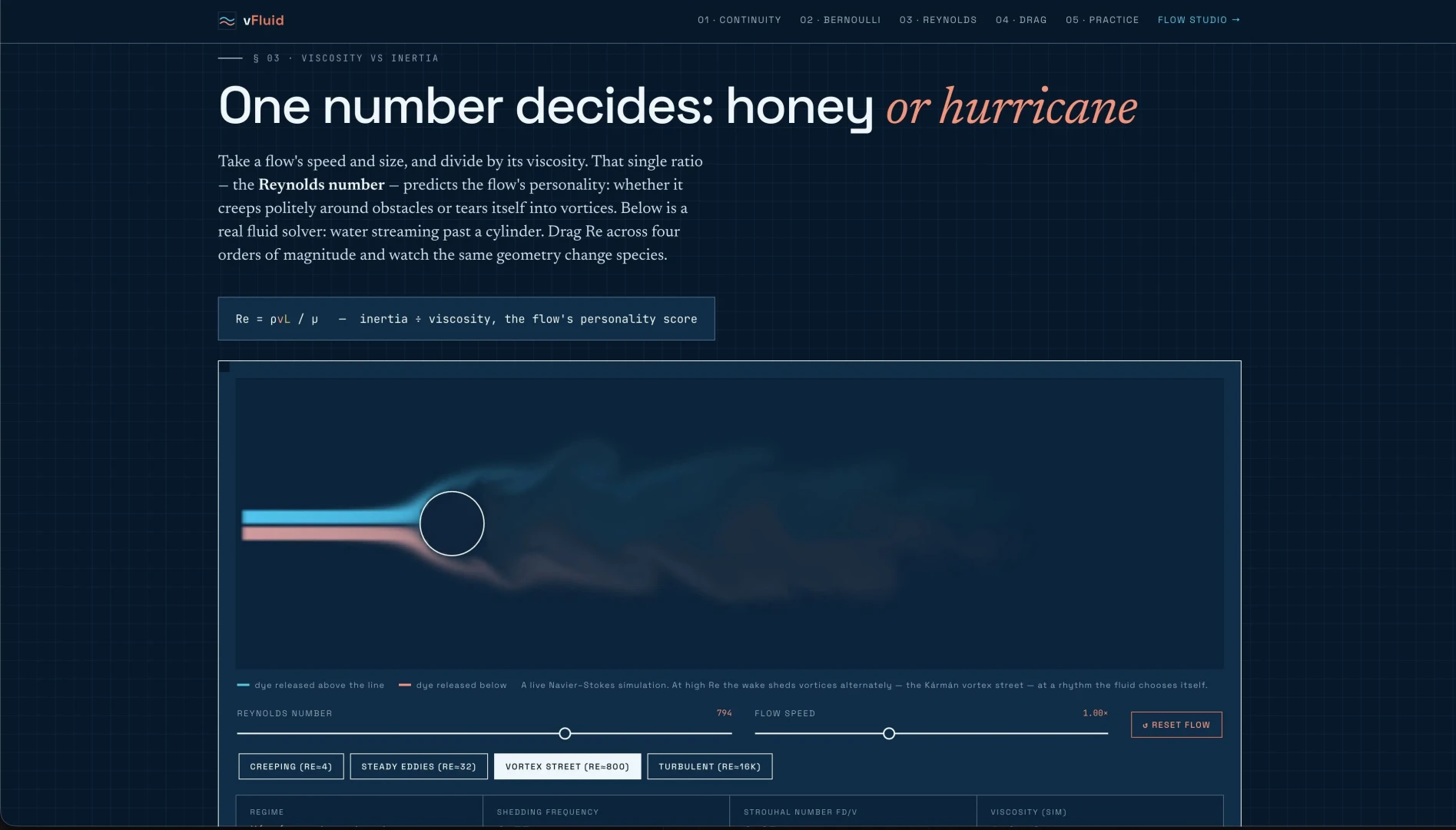

Real-time computational fluid dynamics in your browser. Simulate smoke, water, and gas flows with interactive obstacle boundary conditions.
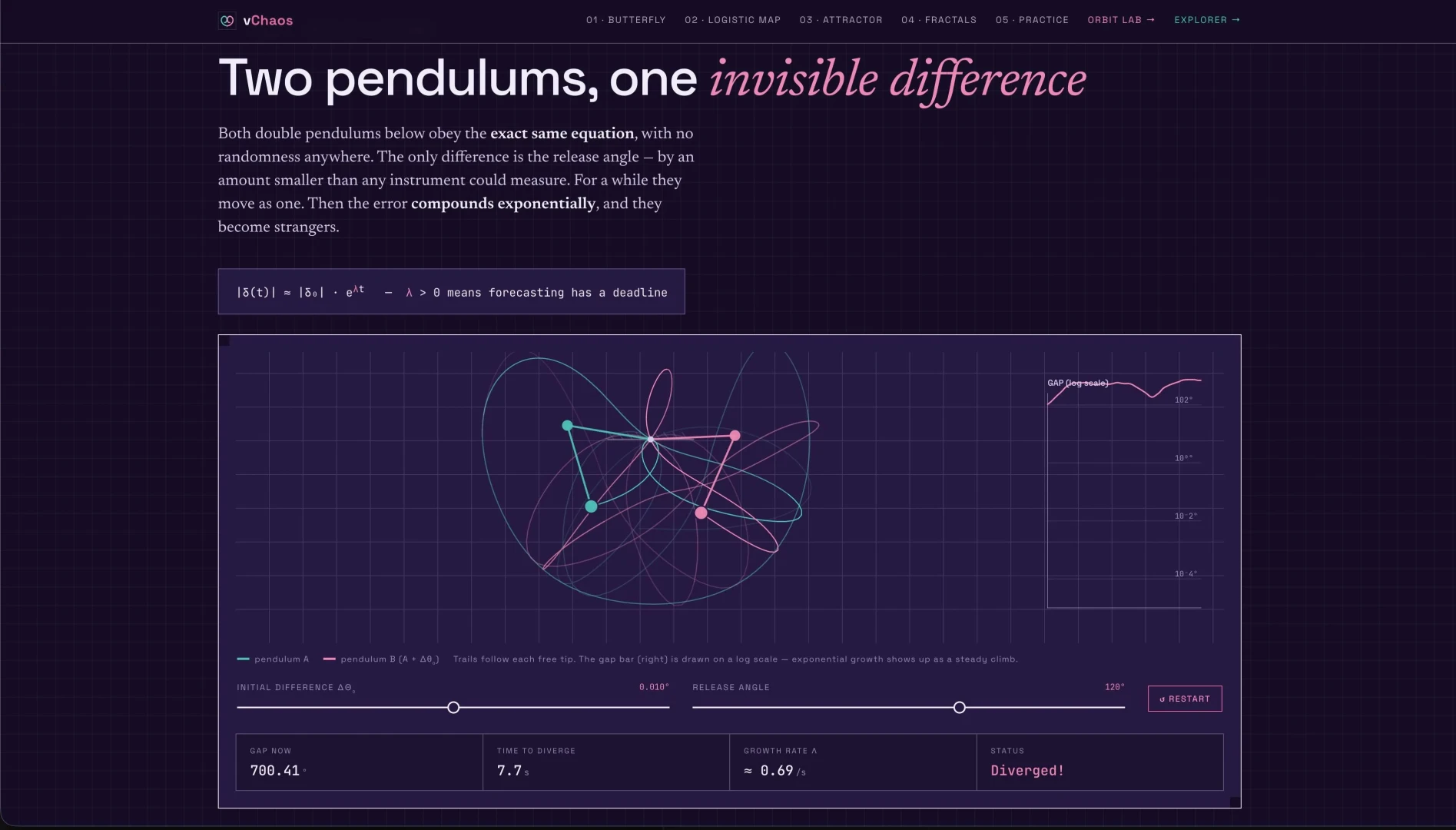

Explore chaotic dynamics, strange attractors, double pendulums, and fractals through beautiful, hardware-accelerated interactive visualizers.
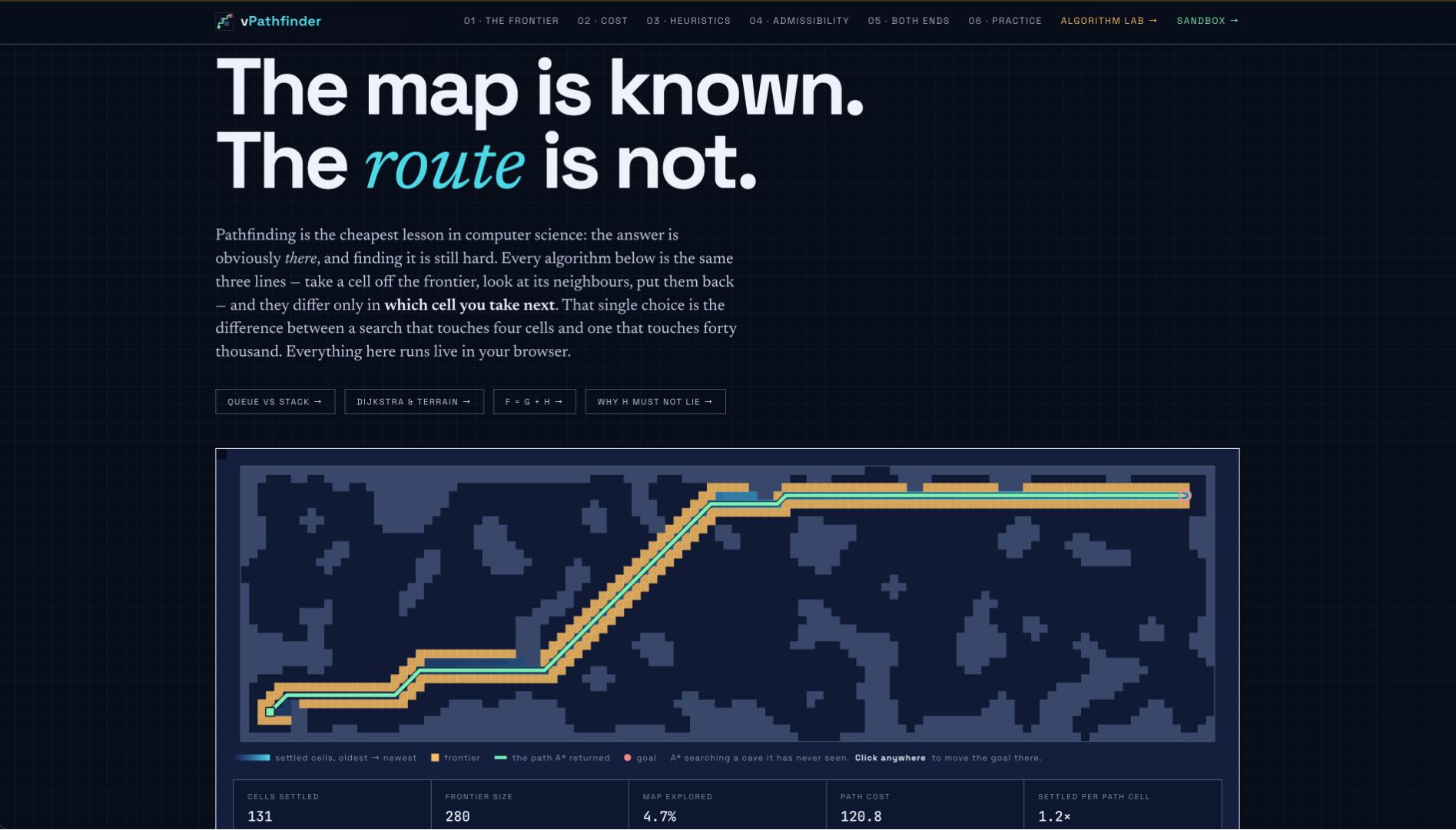

Watch six shortest-path algorithms search the same map BFS, DFS, Dijkstra, A*, Weighted A*, and bidirectional search. Draw terrain, tune heuristics, and compare cells settled against path cost as the frontier expands in real time.
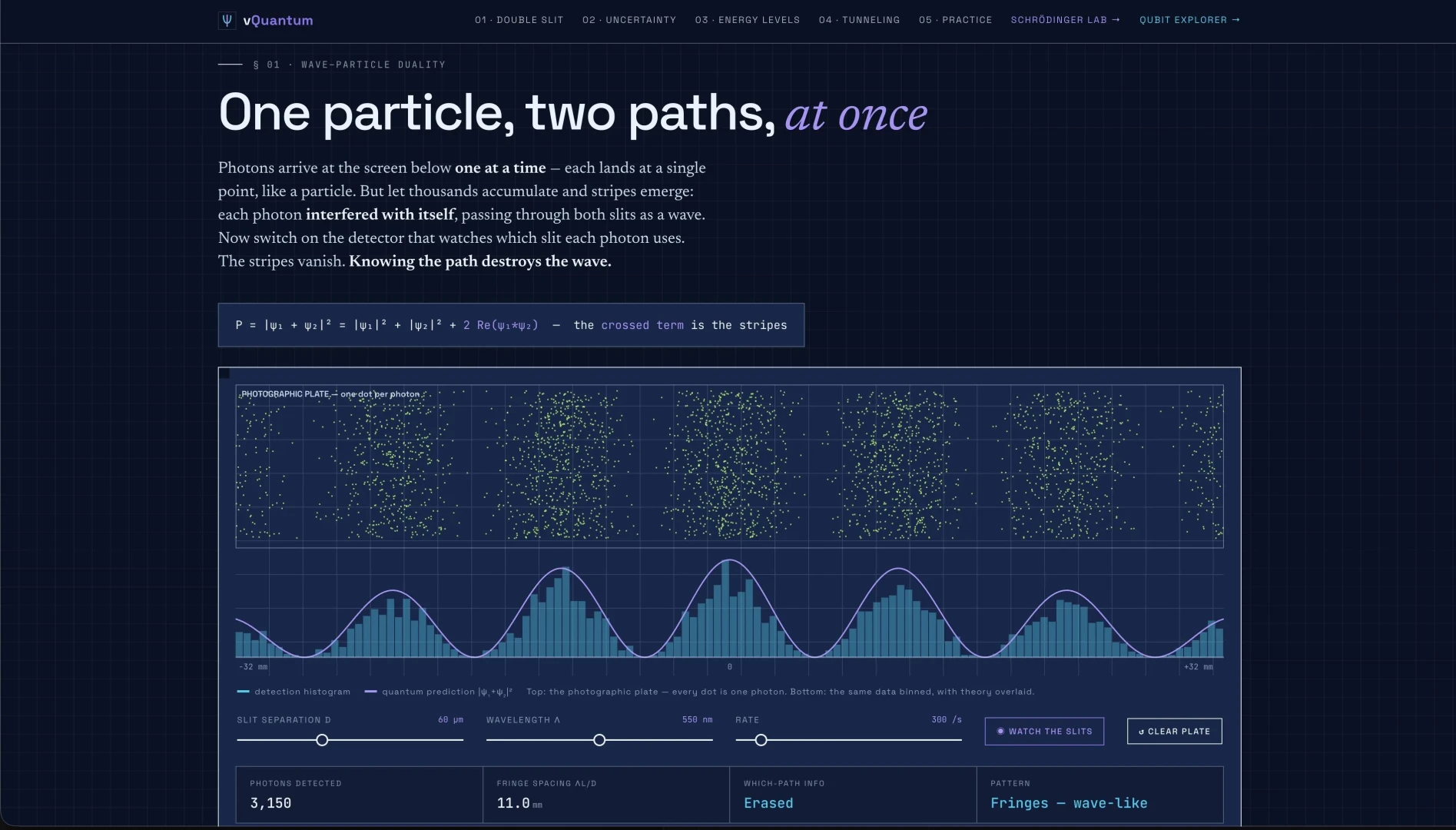

Visualize quantum wave functions, probability densities, and state overlays for infinite potential wells and barriers.
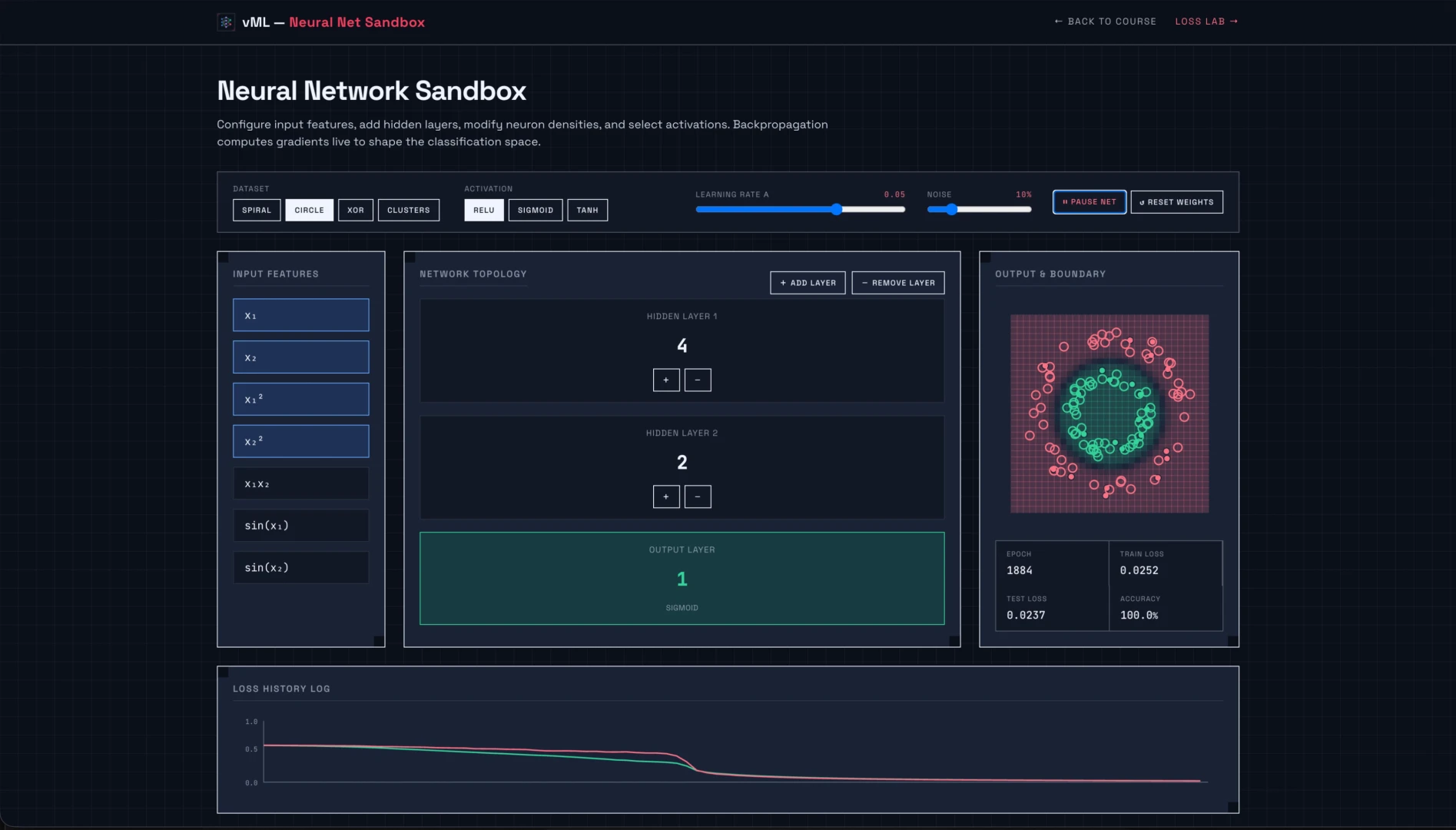

Explore how neural networks, gradient descent, and core machine learning algorithms work through interactive visualizations.
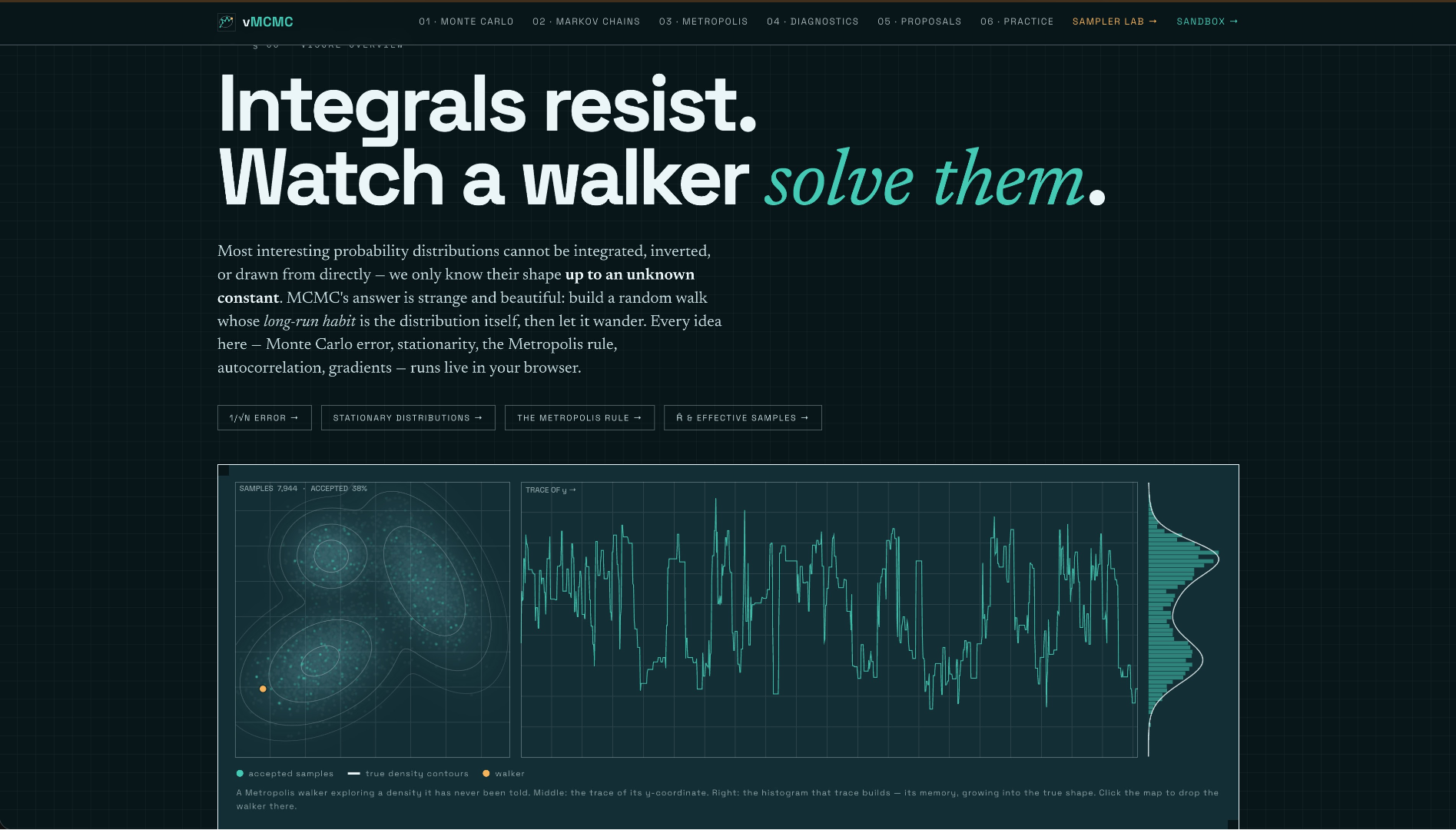

Watch random walks sample distributions that cannot be integrated directly Monte Carlo integration, Metropolis-Hastings, Gibbs, and Hamiltonian Monte Carlo. Tune step sizes, compare samplers side by side, and read acceptance rates, ESS, and R-hat as the chains run.
Service Apps
High-performance microservices, background utilities, and APIs designed to streamline backend and platform workflows.
A suite of low-latency serverless utilities, helper APIs, and database sync hooks to power advanced client operations.
Specialized AI Models
Purpose-built machine learning models running directly in the browser, tuned for narrow, high-precision tasks rather than general-purpose chat.
Narrow, task-specific models (vision, audio, and signal processing) optimized to run client-side with no server round-trip.
Core Technology
The foundations behind every Liquidus app: real-time simulation engines, interactive visualization, specialized on-device AI models, and fast client-side architecture.
Real-Time Simulation
Physics, fluid dynamics, chaos, quantum systems, circuits, and 3D Gaussian Splatting computed live on your GPU with WebGL and WebAssembly, for responsive simulations at a steady 60 frames per second.
Interactive Visualization
Complex data and concepts made tangible: calculus, wave functions, engine mechanics, and 3D Gaussian fields rendered as responsive visuals you can touch, rotate, and explore.
Client-Side Processing
From 3DGS conversion to photo editing to diagram rendering, every app runs entirely in your browser. Optional low-latency helper APIs and MCP-enabled tooling let AI agents plug in directly, without any data leaving your device.
Specialized AI Models
Purpose-built machine learning models for narrow, high-precision tasks (vision, audio, and signal processing) running on-device with no server round-trip.
Contact
Have a question, feedback, or a partnership idea? Send us a message and we'll get back to you.
Message Sent
Thanks for reaching out. We'll reply to your email soon.